Writing a health check that tells the truth
Why /ping is not enough, what a readiness endpoint should actually verify, and how to set intervals and thresholds so a load balancer reacts correctly.
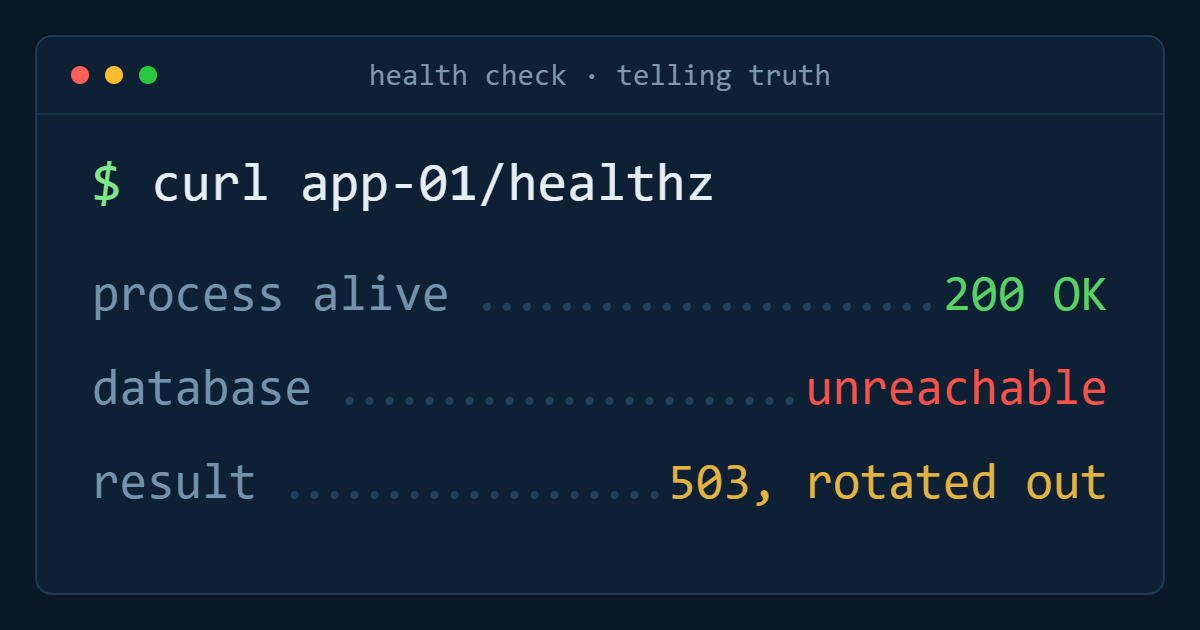
A load balancer is only as good as the question it asks your servers. If that question is "is the web process accepting connections?", you will eventually watch it send traffic to a backend that returns 500 to every request with great enthusiasm and a perfectly healthy TCP port.
A useful health check answers a different question: can this instance serve a real request right now?
What /ping actually proves
A route that returns a static 200 proves the process is running and the network path to it works. That is not nothing — it catches a crashed service, a full disk that stopped the process, a firewall change gone wrong. It is the right check for a TCP-only rule where there is nothing better available.
What it does not catch is the common failure: the process is fine and its dependencies are not. A database connection pool that is exhausted, an expired credential, a cache that has gone away, a disk that is full for writes but not reads.
What a readiness endpoint should verify
Check the dependencies this instance needs in order to serve its own traffic, and nothing else:
- A trivial query against the primary database —
SELECT 1through the normal connection pool, so pool exhaustion shows up. - A read and write against the cache or session store, if a request cannot be served without it.
- Any local resource with a hard requirement: free disk for writes, a required mount present.
Return 200 when all of them pass, and a 503 when any of them fails. Keep the body small and machine-readable — a JSON object with one key per dependency is enough, and it turns the endpoint into a debugging tool as well as a check.
What it must not verify
Do not check things that are shared across the whole fleet, and do not check things you cannot fix by removing this one instance from rotation.
The classic mistake is checking a third-party API. When that provider has a bad afternoon, every backend fails its check at once, the load balancer has nowhere left to send traffic, and a degraded feature becomes a total outage. Report it in monitoring instead; the health check exists to choose between your own instances.
The same applies to any expensive check. A health check that runs a real report every ten seconds becomes its own load problem — and a slow health check causes timeouts that look exactly like a failure.
Separate liveness from readiness
Two endpoints, two purposes. /livez answers "is this process wedged and in need of a restart?" and should touch nothing but itself. /healthz or /readyz answers "should this instance receive traffic right now?" and checks dependencies.
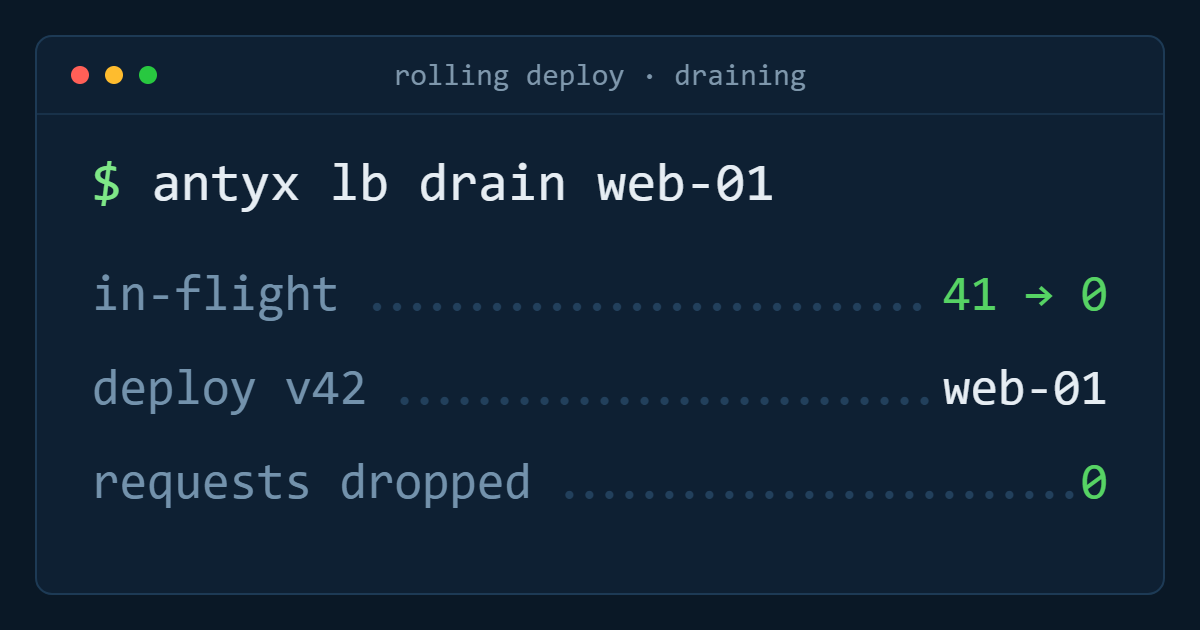
This distinction also gives you a graceful way out during deploys: make the readiness endpoint return 503 deliberately while the instance drains, without pretending the process is dead.
Intervals, timeouts and thresholds
Three numbers decide how the load balancer behaves, and they trade detection speed against flapping:
- Interval — every 5 to 10 seconds suits most web applications.
- Timeout — shorter than the interval, and long enough that a normal check under load never trips it. Two to three seconds is typical.
- Unhealthy threshold — two or three consecutive failures before removal, so a single hiccup does not evict a good server.
- Healthy threshold — two consecutive passes before it comes back, so a flapping instance does not repeatedly take a share of traffic.
With a 10-second interval and a threshold of three, a genuinely broken backend leaves rotation in about thirty seconds and nobody is paged. That is the outcome you are buying.
Test it by breaking it
Stop the database on one instance in staging and watch it leave the pool, then start it again and watch it return. A health check nobody has ever seen fail is a configuration you are hoping about, not one you know.
Antyxsoft Load Balancers support TCP and HTTP path checks with configurable intervals and failure and recovery thresholds, and return recovered backends to the pool automatically — see how Load Balancers work.
Antyxsoft Cloud
Written by the engineers who operate the Antyxsoft platform.