
Networking
Virtual Private Cloud (VPC) — isolated cloud networking you control
Deploy cloud servers, Kubernetes clusters and databases inside a private network you define — your own IP address ranges, custom subnets, routing tables and firewall rules, plus site-to-site VPN to your existing infrastructure. On-premises segmentation and compliance control, with cloud elasticity behind it.
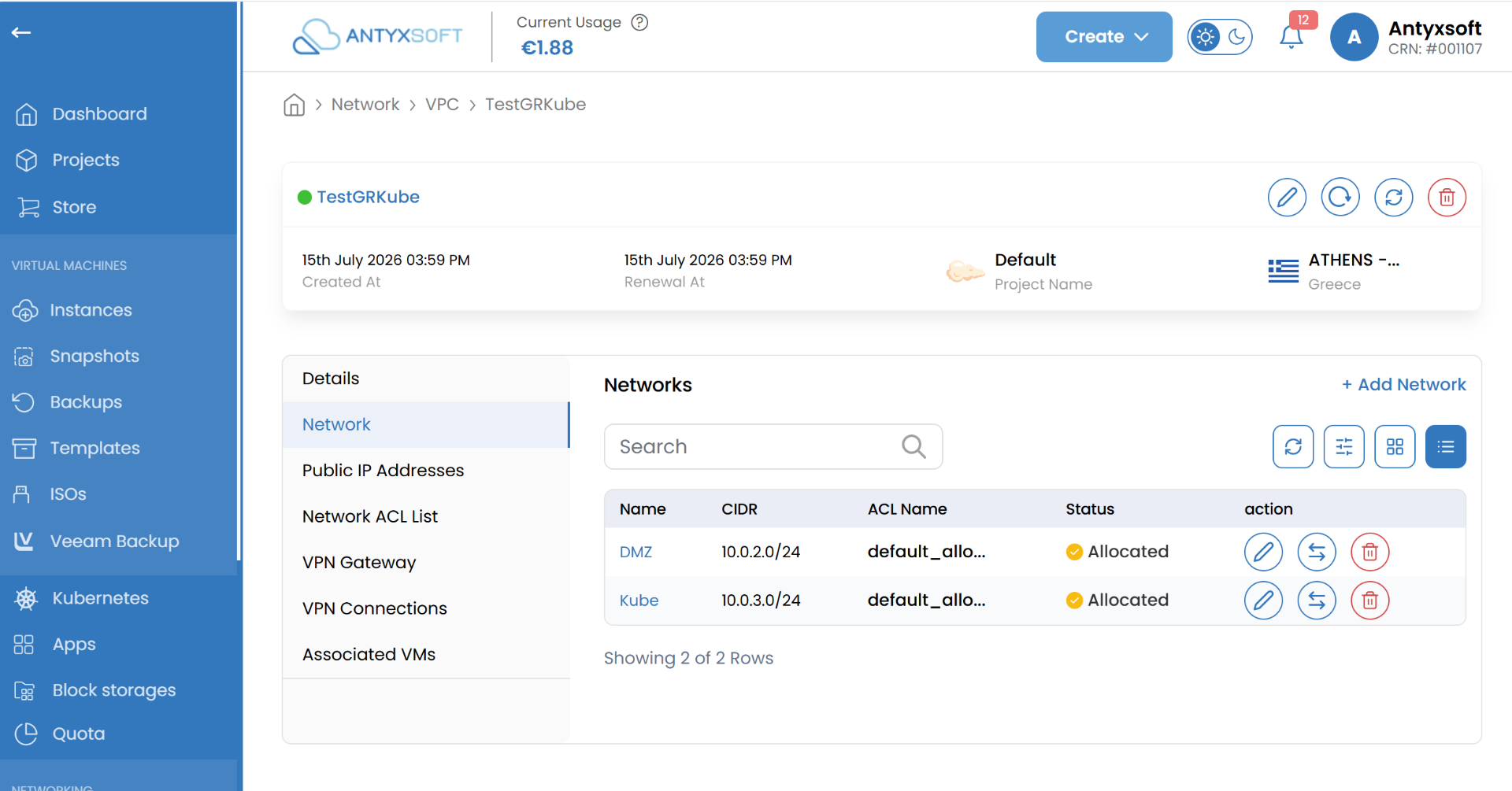
Complete network isolationCustom subnets and routingSite-to-site VPN and peering
portal.antyxsoft.io
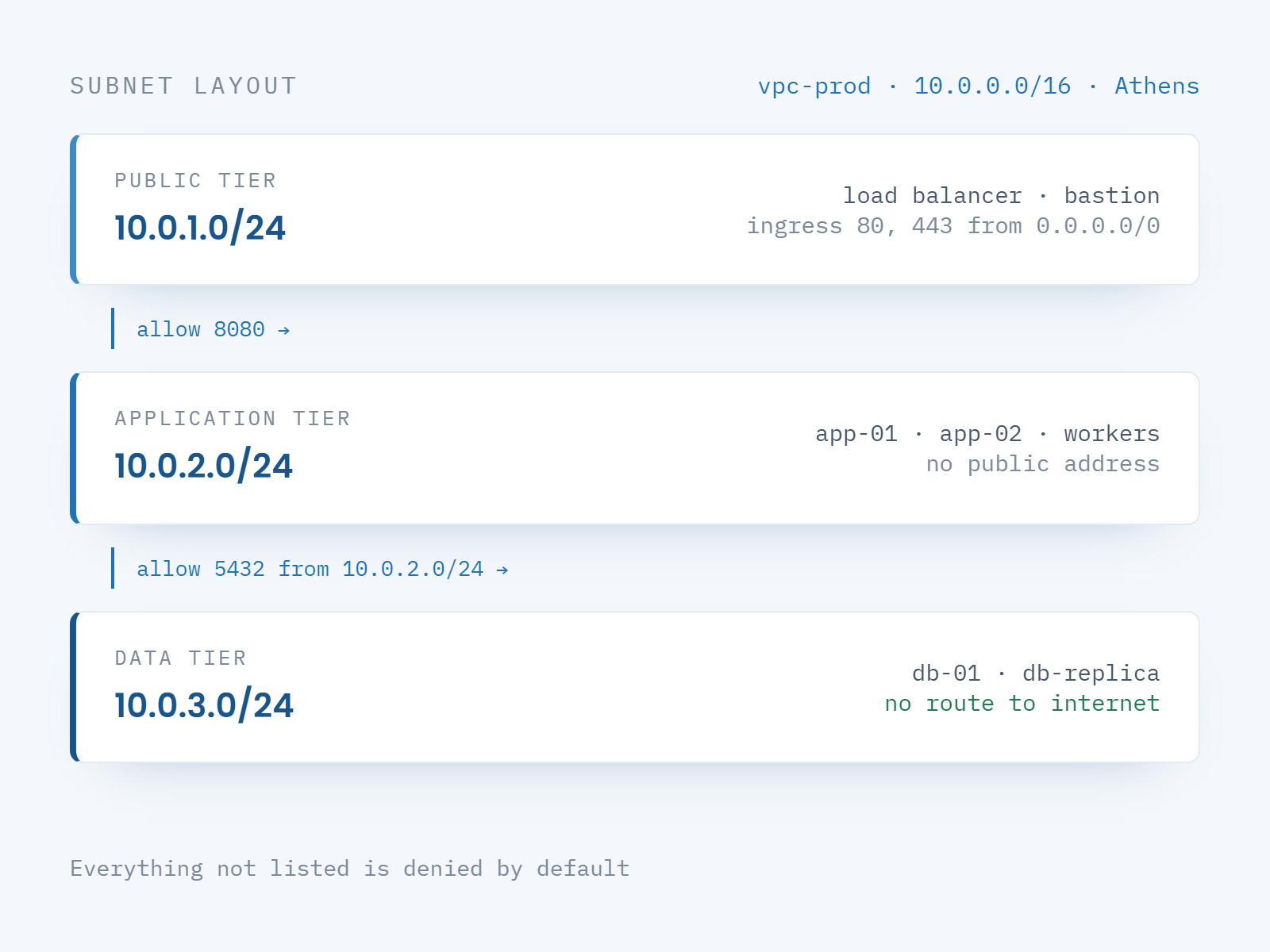
Segmentation
Custom subnets for multi-tier cloud architecture
Divide your virtual network into custom subnets — public, application and data tier — and place each cloud resource behind the boundary its role requires. Define the IP address ranges, routing tables and network gateways yourself, so multi-tier segmentation is enforced by the network rather than assumed by convention.
Define your own IP address ranges and subnet layout
Isolate production, staging and development networks
Full control of routing tables and network gateways
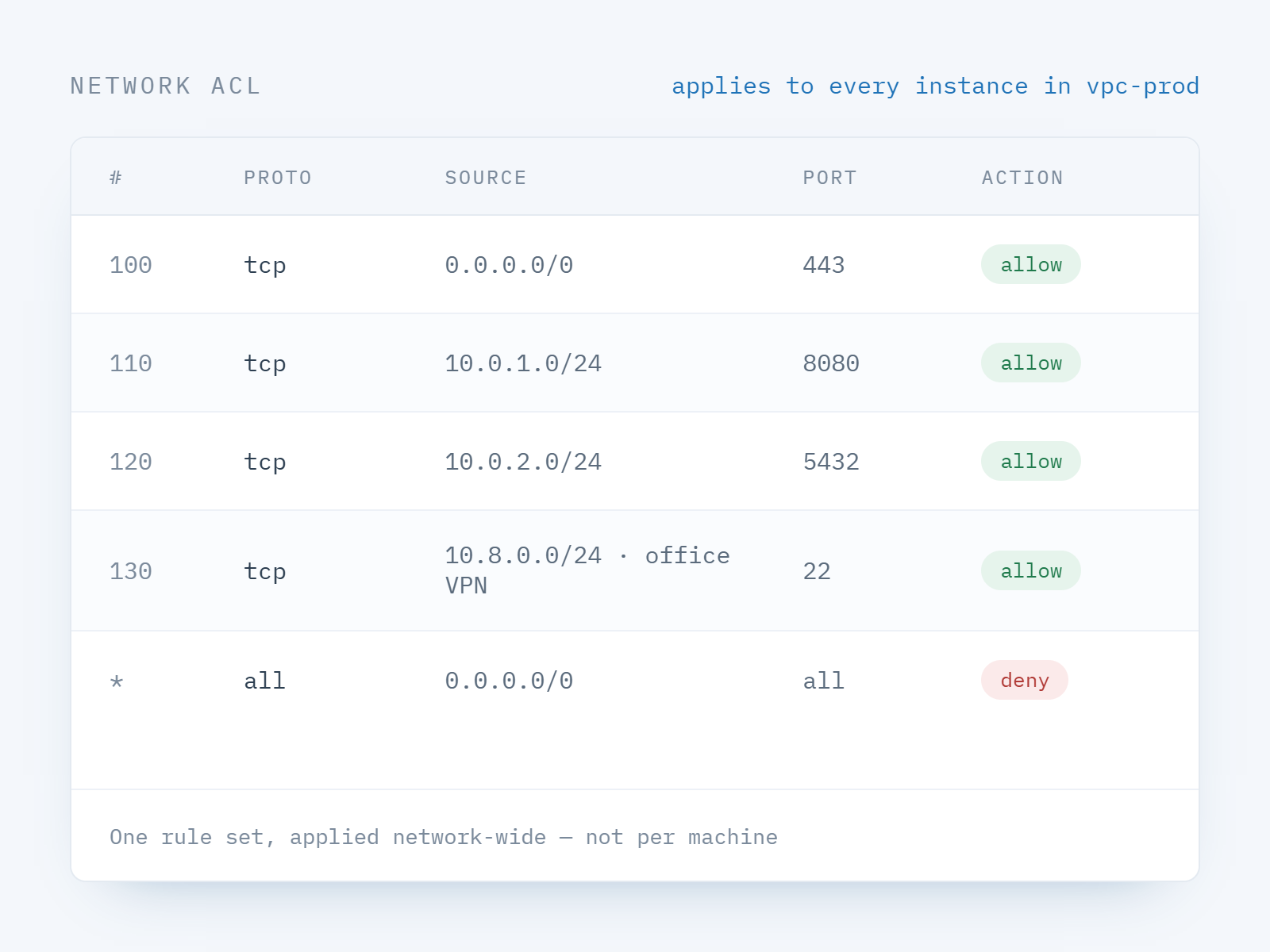
Security
Policy at the network layer, not per machine
Define security policies, firewall rules and access control lists once and have them govern every resource in the network — precise control over data flow, a smaller attack surface, and an audit story you can actually explain.
Firewall rules and ACLs applied network-wide
Traffic monitoring against your compliance baseline
Reduced attack surface for regulated workloads
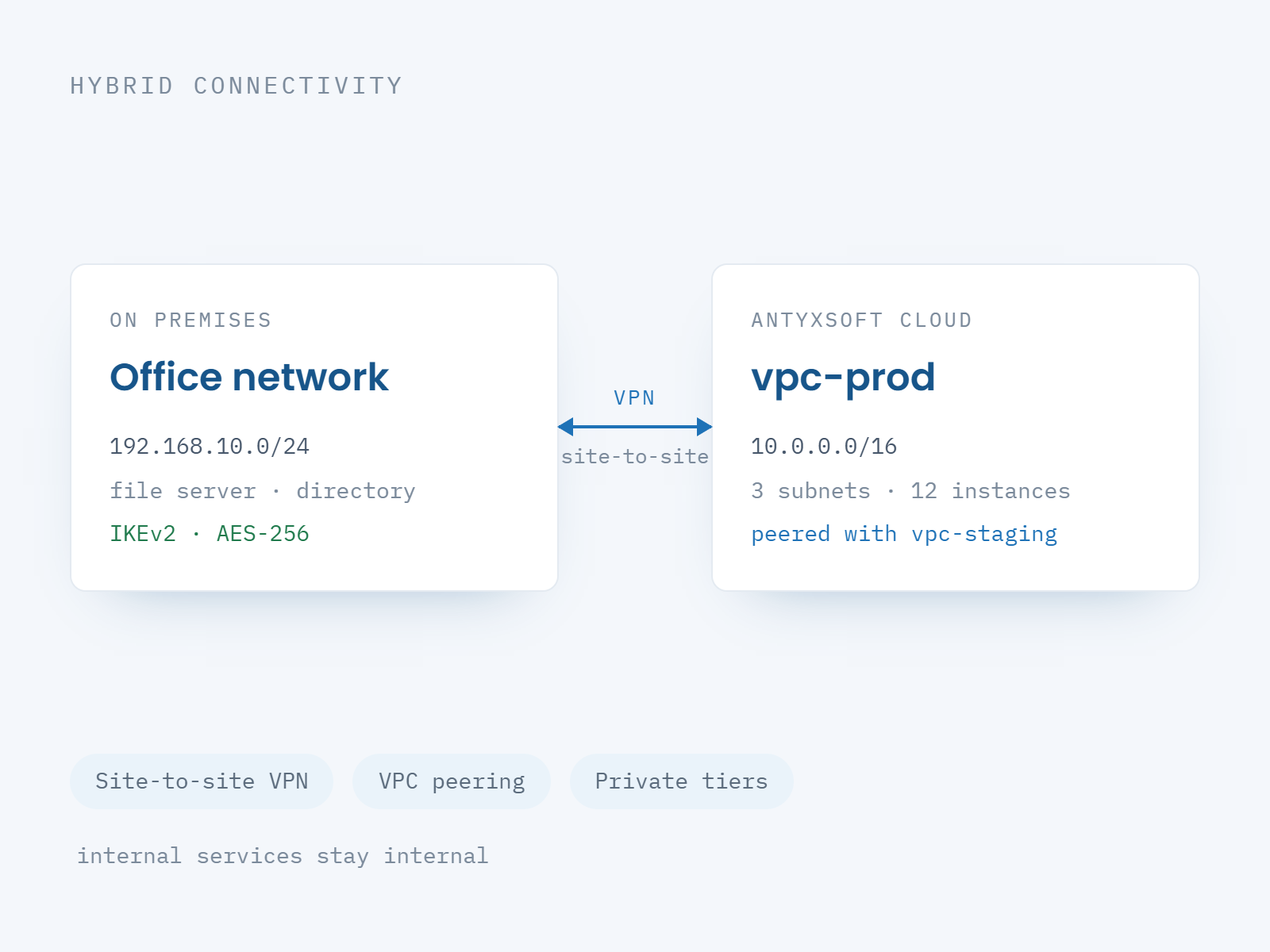
Connectivity
Connect the VPC to the networks you already have
Join a VPC to an office, a colocation rack or another cloud network over site-to-site VPN or peering — hybrid architectures without exposing anything to the public internet that does not need to be there.
Site-to-site VPN for hybrid connectivity
Network peering between VPCs
Private paths between application tiers
Guides for cloud networking
Visit the blog →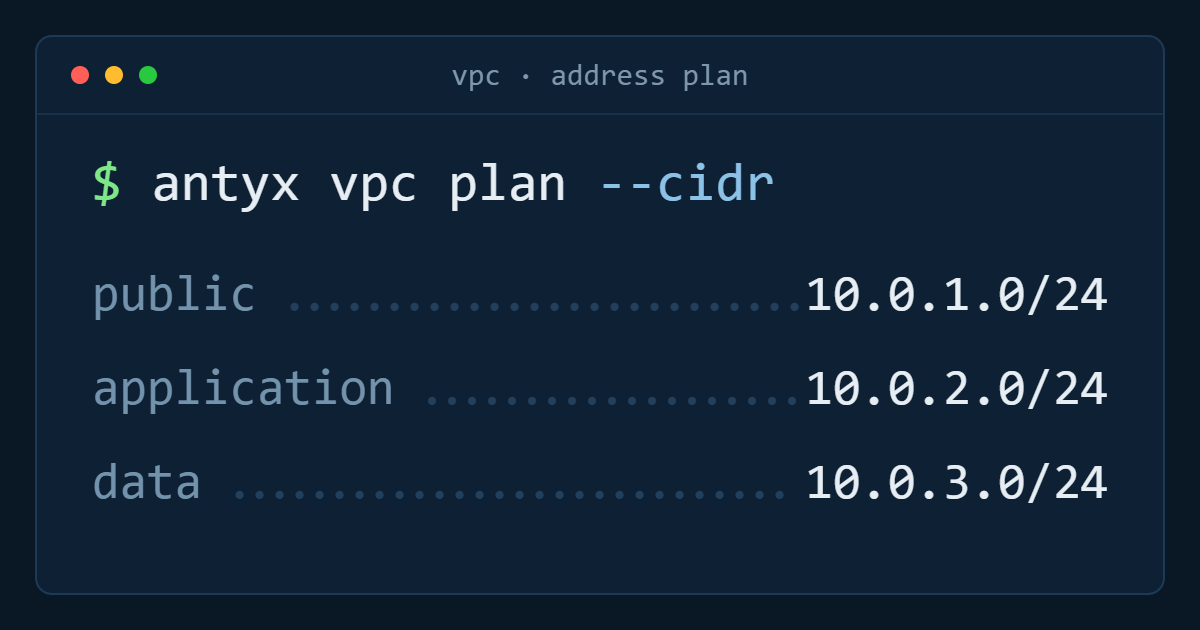
Designing a VPC: address ranges and subnet layout
How to size address space once so you never have to renumber the network later.
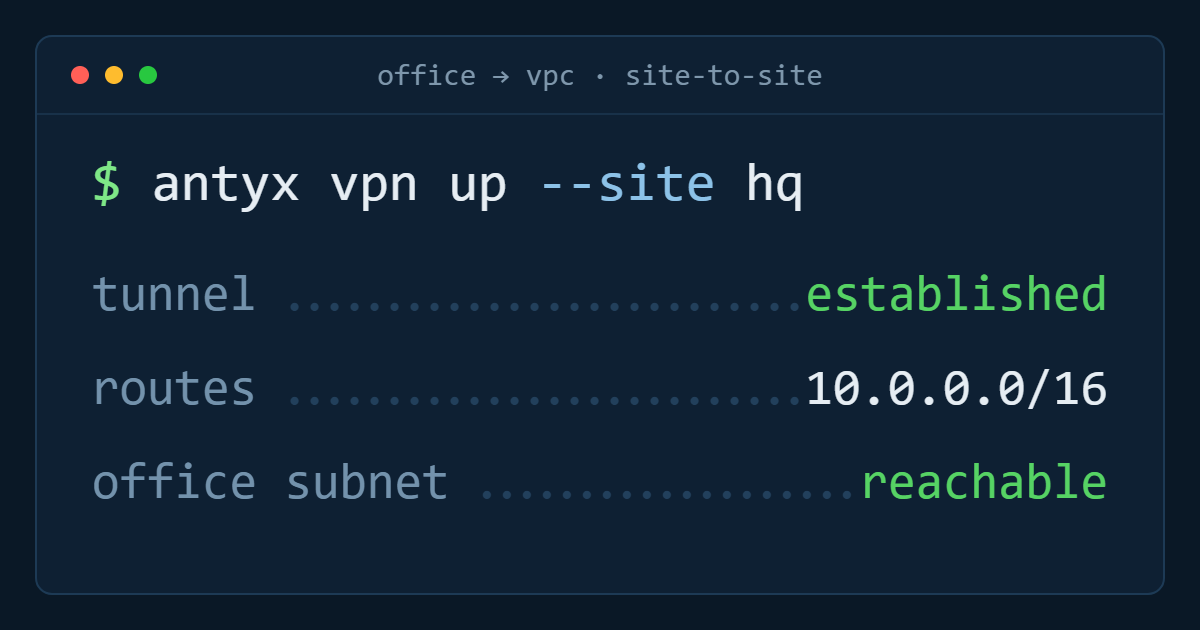
Connecting an office to your VPC over site-to-site VPN
Tunnels, routes and the two settings that cause most failed hybrid setups.
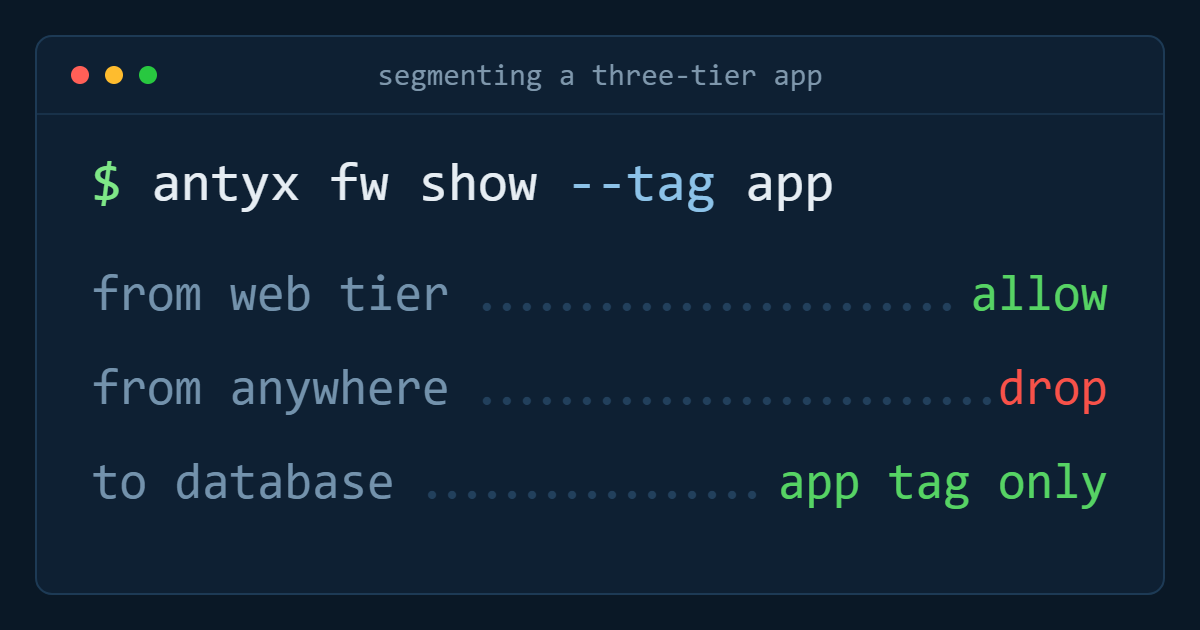
Segmenting a multi-tier application the auditors will accept
Which tiers to separate, what to log, and how to document the boundaries.