Networking

Cloud Firewalls — network security that starts before your server does

Write inbound and outbound rules once, attach them to a tag, and every instance carrying that tag is protected at the network edge — including the ones your automation creates tomorrow. Stateful, IPv4 and IPv6, no agent to install, and no charge on top of your instances.

Included with every instanceTag-based rule groupsAgentless and stateful
portal.antyxsoft.io/firewalls
fw-web-tier
applied to tag: web · 12 instances
Inbound
TCP 443 0.0.0.0/0, ::/0 allow
TCP 80 0.0.0.0/0, ::/0 allow
TCP 22 tag: bastion allow
all other any source drop
Outbound
TCP 5432 tag: database allow
TCP 443 0.0.0.0/0 allow

Benefits of Antyxsoft Cloud Firewalls

Policy that lives with the platform instead of inside each machine — so it holds when a host is rebuilt, replaced or compromised.

Filtering at the edge

Unwanted packets are dropped by the platform, so they never reach your instance or consume its CPU and bandwidth.

Tag-based policy

Attach a firewall to a tag rather than a list of servers; new instances inherit the rules the moment they are tagged.

Deny by default

Anything you have not explicitly allowed is dropped, which makes the exposed surface of a server something you can read off one screen.

No agent, no overhead

Nothing to install or patch inside the guest, and no host firewall misconfiguration that can silently open a port.

Included in the price

No per-rule, per-firewall or per-instance charge — security should not be the line item you cut.

API and Terraform ready

Manage firewalls from the portal, the API or your infrastructure code, and keep rules in review alongside the app.

Tags

One policy per role, not one policy per server

Group instances by what they do — web, api, database, bastion — and attach a firewall to the tag. Scale the group out and the new instances arrive already protected; retire one and nothing is left behind in a rule list. Rules can reference other tags as their source, so "the database accepts connections from the application tier only" is a single line rather than a maintained set of addresses.
Tag as source or destination, not just CIDR blocks
Autoscaled and automation-created instances inherit policy
One firewall reusable across environments
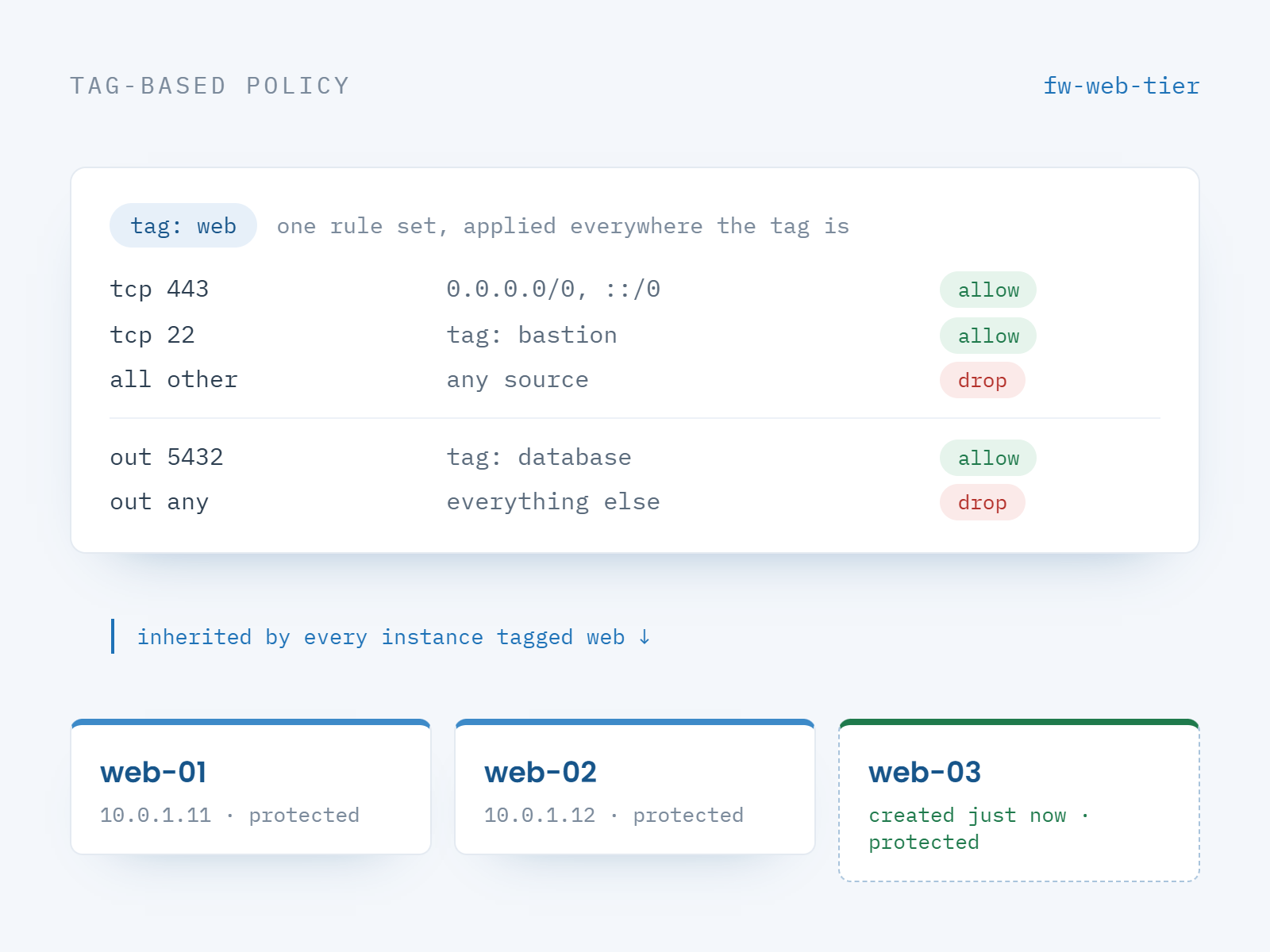
A single Antyxsoft Cloud Firewall attached to the tag web, with every instance carrying that tag inheriting the same inbound and outbound rules
Egress

Control what leaves, not only what arrives

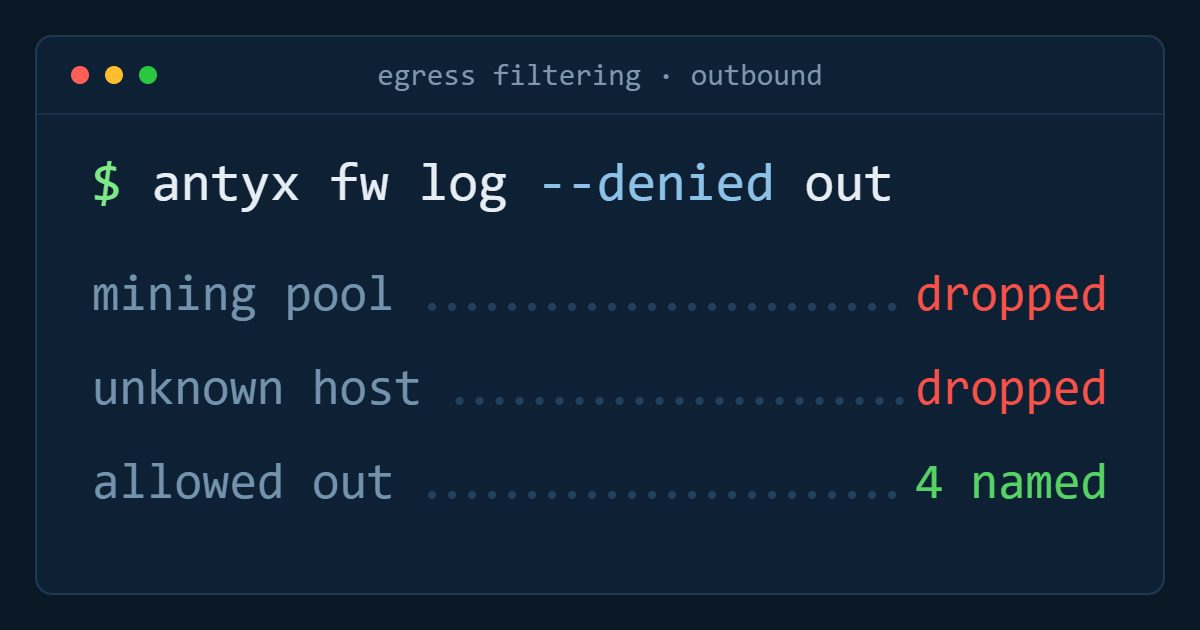
Most breaches are noticed on the way out. Outbound rules restrict a compromised process to the destinations it legitimately needs — your package mirror, your database tier, your payment provider — and drop everything else, which turns data exfiltration and crypto-mining callbacks into failed connections.
Stateful rules: replies to allowed sessions need no counterpart rule
TCP, UDP and ICMP, IPv4 and IPv6 in the same policy
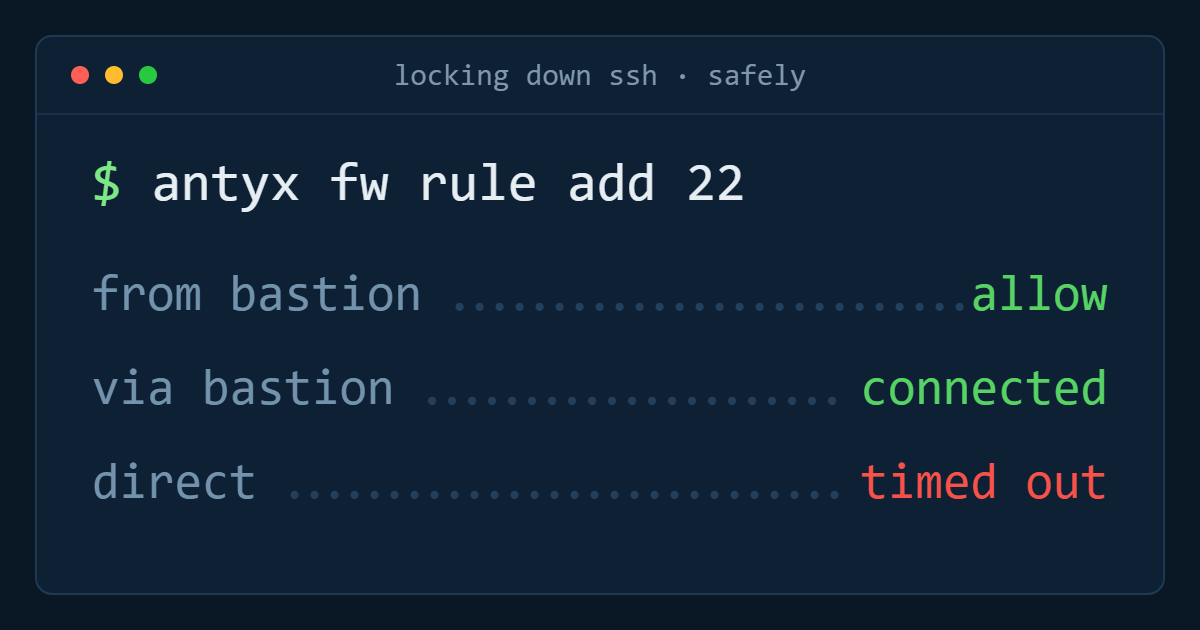
Restrict management access to a bastion or office range
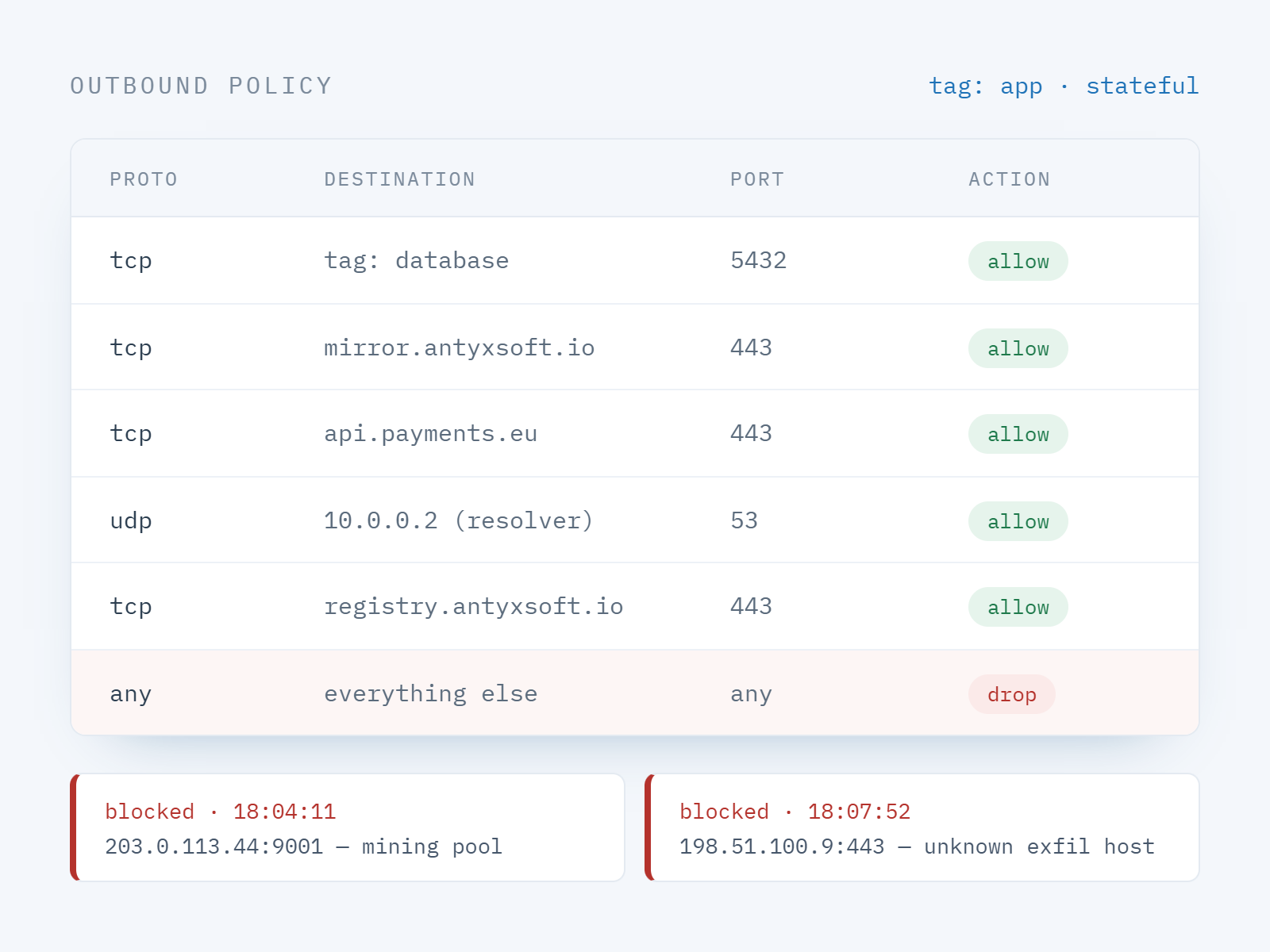
Outbound firewall rules allowing traffic to a package mirror, database tier and payment provider while every other destination is dropped
Defence in depth

Layered with VPC, load balancers and Kubernetes

A VPC decides which networks exist; a Cloud Firewall decides which conversations are allowed inside them. Put a load balancer in front of the web tag, allow the tier below to accept traffic only from the tier above, and keep Kubernetes node pools reachable from the control plane and nothing else.
Works alongside VPC subnets and routing
Allow load balancer traffic only to backend instances
Keep host-level iptables as the inner layer if you want it
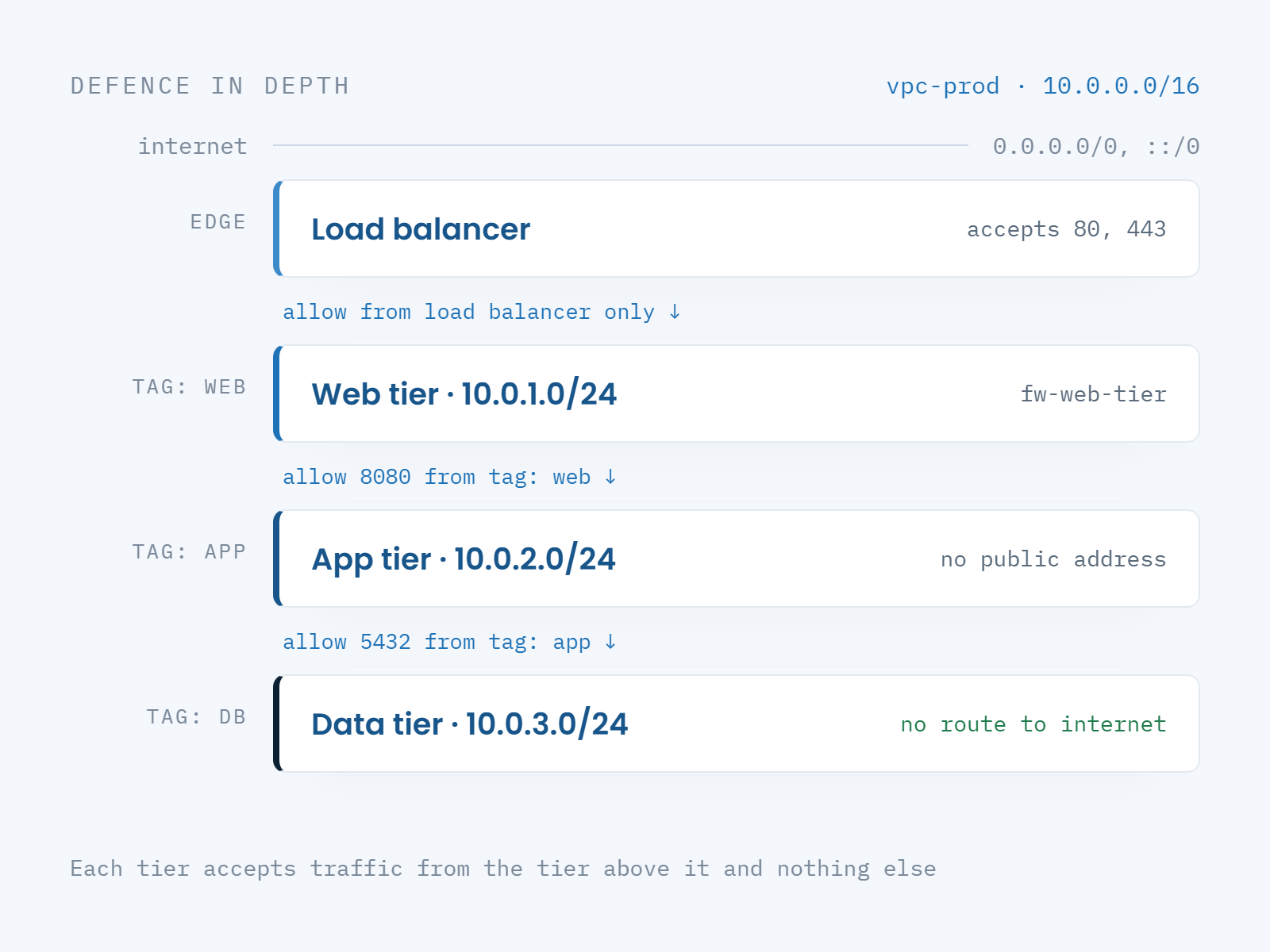
Layered network security: VPC subnets, a load balancer, and Cloud Firewall rules allowing each application tier to accept traffic only from the tier above

Included at no extra cost

Every Antyxsoft Cloud Compute instance can sit behind Cloud Firewalls at no additional charge — unlimited firewalls, unlimited rules, no per-instance fee. You pay for compute and the bandwidth you use.

Common firewall patterns

Four policies that cover most of what a production environment needs.

Public tier

Web servers

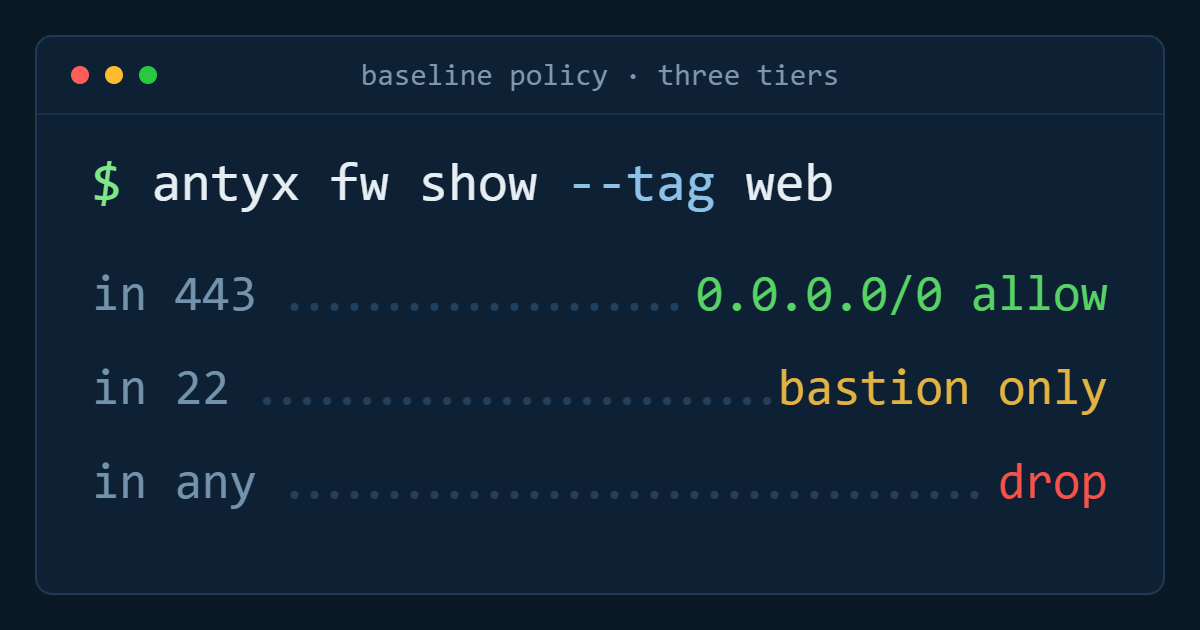
Ports 80 and 443 open to the world, SSH restricted to a bastion, everything else dropped.
Private tier

Databases

The database port open to the application tag only, with no route in from the public internet at all.
Access

Bastion and admin

Management access from named office and VPN ranges, so a leaked key alone is not enough to get in.
Compliance

Locked-down egress

Outbound allowed only to approved endpoints, with the rule set exported as evidence for the auditor.
Writing your first rule set? The docs have the patterns.

Creating firewalls, assigning tags, referencing other tags as sources, and the API and Terraform equivalents.

Frequently asked questions about Cloud Firewalls

What is an Antyxsoft Cloud Firewall?

A stateful network firewall applied at the platform edge rather than inside your server. You define inbound and outbound rules, assign the firewall to instances or to a tag, and anything that does not match an allow rule is dropped before it reaches the instance — see the knowledge base for the rule syntax.

Do Cloud Firewalls cost extra?

No. Unlimited firewalls and rules are included with Cloud Compute at no additional charge — there is no per-rule, per-firewall or per-instance fee.

How is a Cloud Firewall different from iptables or ufw on the server?

It runs at the platform edge, so unwanted packets never reach the instance and a misconfiguration inside the guest cannot silently open a port. There is nothing to install or patch, and the policy survives a rebuild of the machine.

Can one firewall protect many servers?

Yes — attach it to a tag and every instance carrying that tag inherits the rules, including instances created later by automation or autoscaling.

Do Cloud Firewalls work with VPC and load balancers?

Yes. A VPC defines which networks exist, the firewall defines which conversations are allowed inside them, and rules can permit traffic from a load balancer to backend instances only.

Close the ports you never meant to open

Create a firewall, tag your instances, and know exactly what each server accepts — in about the time it takes to read this page.