Containers

Managed Kubernetes on dedicated worker nodes

Production-ready clusters built on Cluster API — self-healing nodes, autoscaling worker pools and a highly available control plane, deployed in minutes and managed for you.
Athens · Barcelona · BostonUnlimited bandwidthCluster ready in minutes
portal.antyxsoft.io
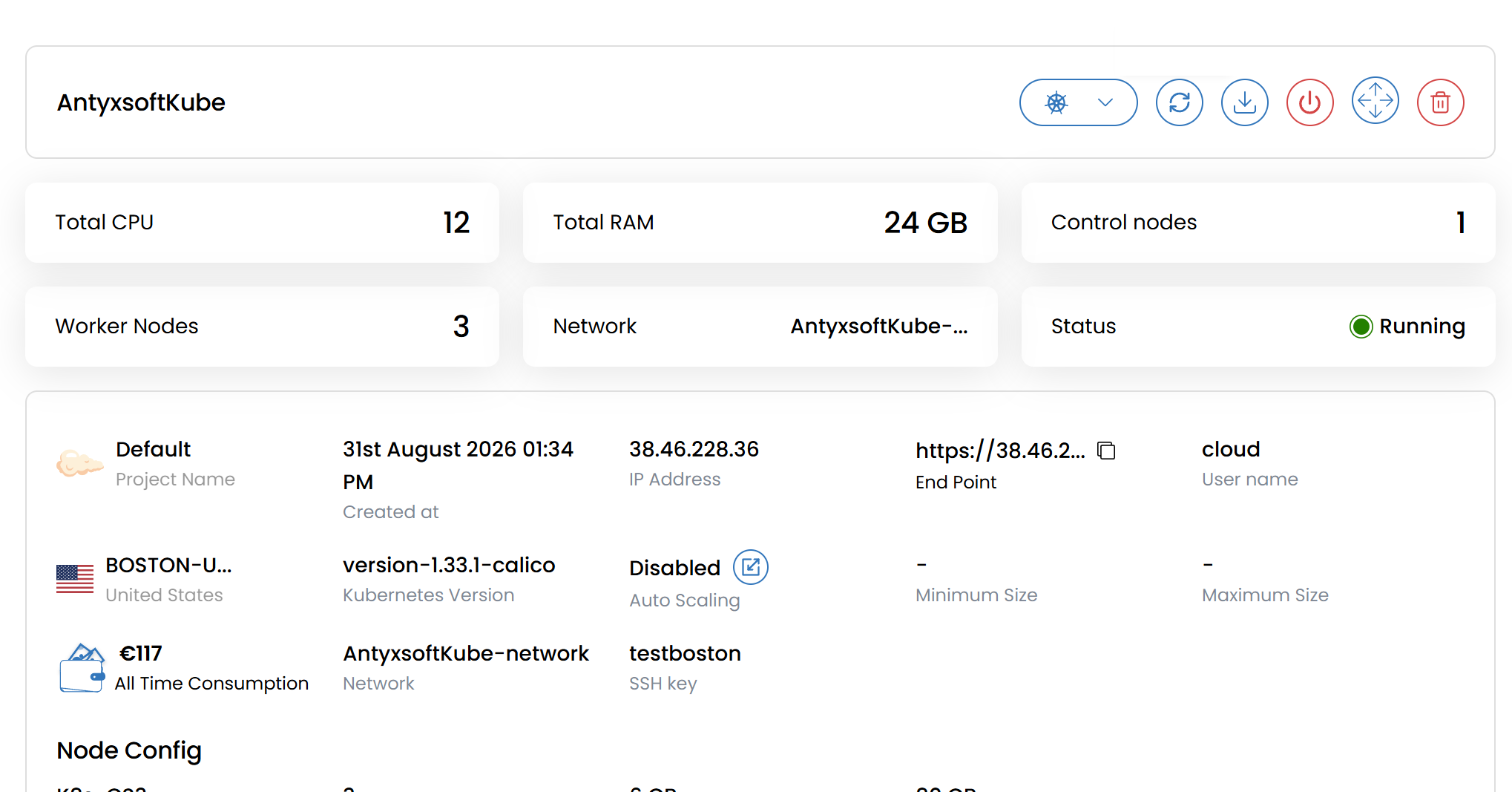
Antyxsoft control panel

Container orchestration, fully managed

Upstream Kubernetes with the lifecycle work handled for you — provisioning, healing, scaling and upgrades driven declaratively through Cluster API.

Container orchestration

Scheduling, placement and load balancing of your containers across the cluster, handled automatically.

Automated scaling

Cluster Autoscaler adjusts worker counts to pending pods, on resource utilisation or your own custom metrics.

Declarative configuration

Describe the desired state in YAML; the cluster reconciles the actual state to match it continuously.

Storage orchestration

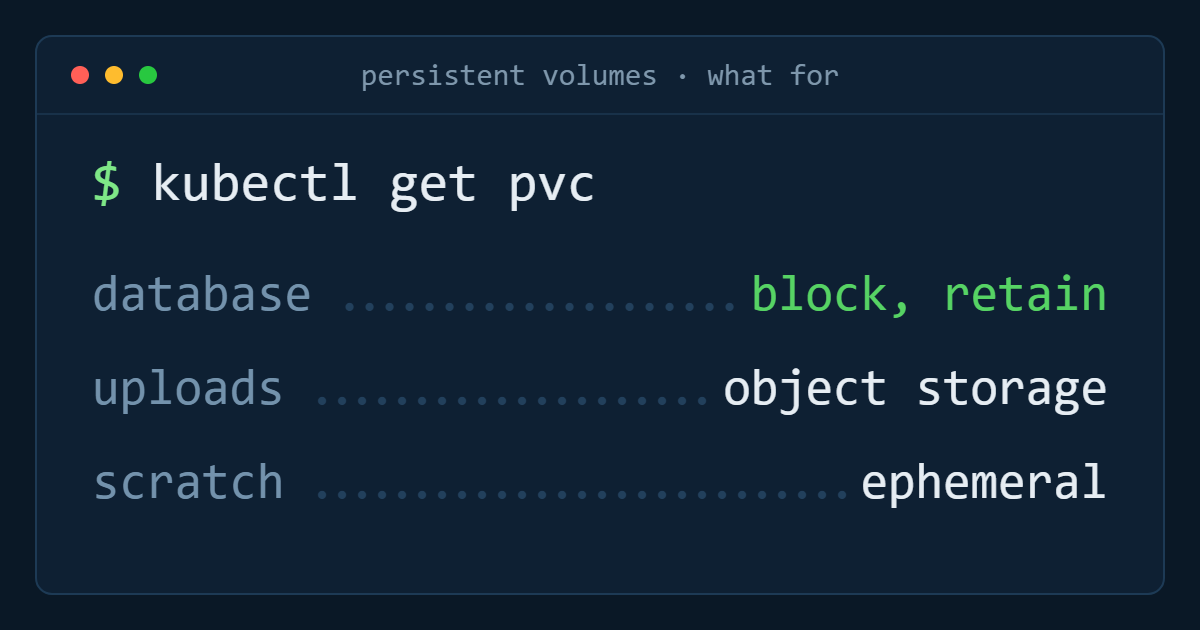
Persistent and ephemeral volumes provisioned on demand, so stateful workloads run as first-class citizens.

Rolling updates and rollbacks

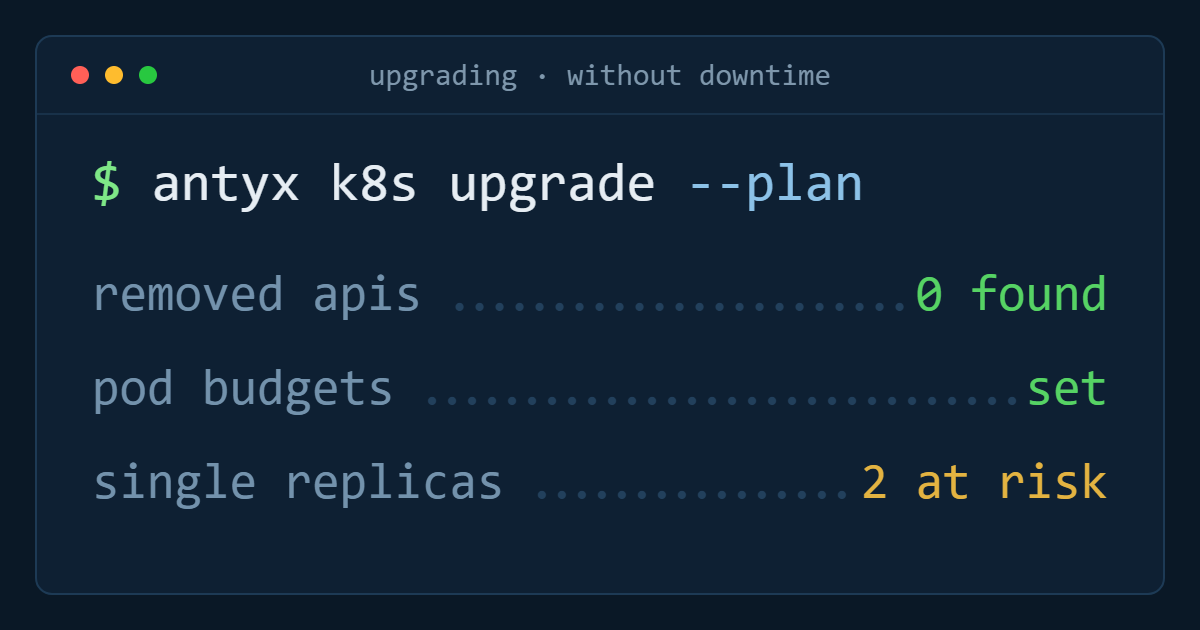
Ship new versions with no disruption, and roll back to the previous revision the moment something looks wrong.

Service discovery and load balancing

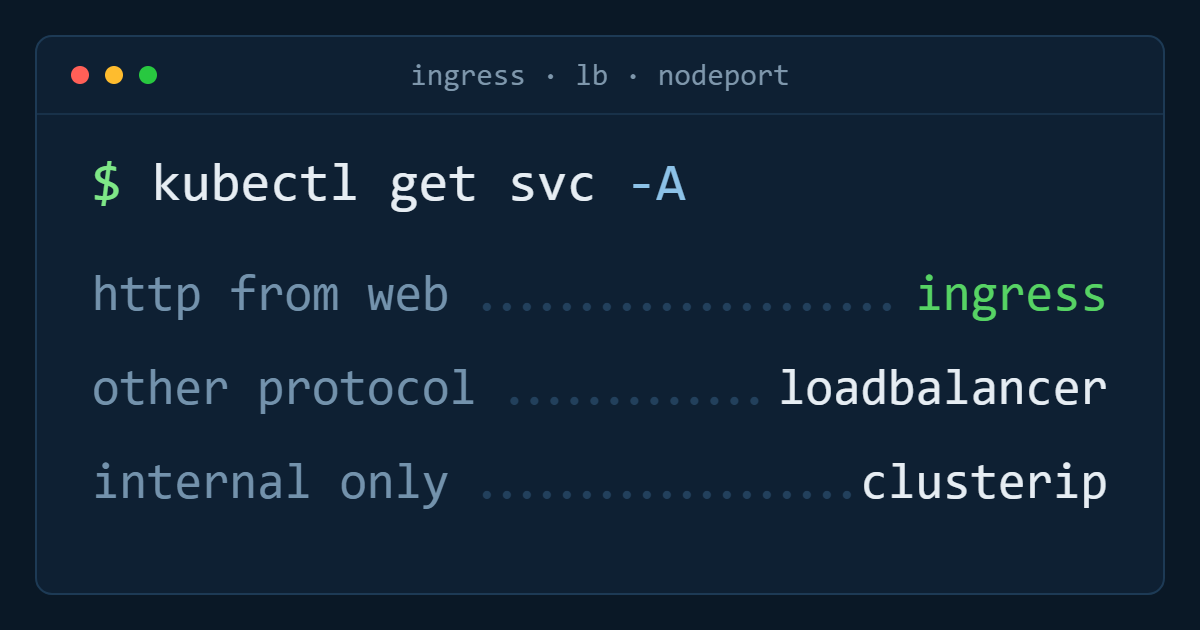
Built-in DNS and service load balancing expose your workloads without manual network plumbing.
Cluster provisioning

From cluster creation to first deployment in minutes

Choose a region, a Kubernetes version and your node pools, and a fully conformant cluster is provisioned with kubeconfig ready to download — no control-plane assembly, no etcd to babysit.
Upstream Kubernetes releases with a managed upgrade path
kubectl, Helm and Terraform supported out of the box
Node pools resized or replaced without cluster downtime
Create cluster
ParameterStatus
v1.31.2
Kubernetes version
Latest
Athens · eu-ath-1
Region
Selected
3 × CS4 — 4 vCPU / 8 GB
Worker pool
Ready
kubeconfig.yaml
Cluster access
Download
Provisioned in 4m 12s — no control-plane assembly, no etcd to babysit.
Operations

Cluster operations without the operational overhead

Inspect nodes, workloads, volumes and ingress from the same panel as the rest of your infrastructure, with node health and consumption visible in real time — and one invoice for the whole estate.
Node health, capacity and event history per pool
Namespace and project isolation for teams and environments
Flexible billing — prepaid credit or monthly invoicing
Node pools
PoolHealth
pool-general
6 nodes · 24 vCPU · 48 GB
Healthy
pool-memory
3 nodes · 12 vCPU · 96 GB
Healthy
pool-batch
2 → 4 nodes · scaling out
Scaling
pool-edge
1 node · drained for upgrade
Cordoned
Node health, capacity and event history per pool — one invoice for the whole estate.
Resilience

Self-healing clusters, down to the infrastructure

Cluster API manages the infrastructure and Kubernetes together, so a failed node is not just rescheduled — it is replaced. Machine HealthCheck certifies control-plane and worker health, provisions a replacement node and lets Kubernetes reschedule the affected pods onto it.
Automatic node replacement on failure or resource exhaustion
Health monitoring across control-plane and worker nodes
Highly available control plane on custom plans
Machine HealthCheck
EventElapsed
pool-general-3 stopped reporting
kubelet
00:00
Marked unhealthy, drain started
Machine HealthCheck
00:40
Replacement node provisioned
Cluster API
02:05
Pods rescheduled, pool at capacity
kube-scheduler
02:38
A failed node is replaced, not just rescheduled.
Standardisation

One lifecycle model across every cluster

Cluster API abstracts the deployment mechanics of each provider, so teams running heterogeneous infrastructure standardise cluster lifecycle management regardless of vendor, data centre or edge site — and reuse the same components across clusters instead of rebuilding them.
Consistent provisioning and upgrade workflow per cluster
Component reuse across environments, reducing rework
Declarative expansion of control-plane and worker pools
Cluster inventory
ClusterState
prod-athens
v1.31.2 · 9 nodes · Athens
Reconciled
prod-barcelona
v1.31.2 · 6 nodes · Barcelona
Reconciled
staging-athens
v1.31.2 · 3 nodes · Athens
Reconciled
edge-boston
v1.30.6 · 2 nodes · Boston
Upgrade queued
One declarative lifecycle model, regardless of vendor, data centre or edge site.

Kubernetes cluster specifications

Processor
Dedicated vCPU workers
Bandwidth
Unlimited
Node memory
2 GB – 96 GB
Regions
Athens, Barcelona, Boston
Node storage
40 GB – 400 GB NVMe
Billing
Monthly or annual
Outbound network
Up to 10 Gbps
Add-ons
Registry, VPC, LB, CSI

Kubernetes node plans

Pre-configured plans you can deploy from the portal in a few clicks — or build a custom plan with your own resources, node count and control-plane high availability.

Plan
vCPUs
RAM
Node storage
Bandwidth
Monthly
K8s-CS2
2 vCPU
4 GB
60 GB
Unlimited
27,00 €
K8s-CS3
3 vCPU
6 GB
80 GB
Unlimited
39,00 €
K8s-CS4
4 vCPU
8 GB
120 GB
Unlimited
53,00 €
K8s-CS5
6 vCPU
16 GB
160 GB
Unlimited
89,00 €
K8s-CS6
8 vCPU
32 GB
200 GB
Unlimited
149,00 €

How managed Kubernetes works at Antyxsoft

Four steps in the portal, then your own toolchain takes over — kubectl, Helm and Terraform all talk to the cluster the moment it is up.

  1. 1

    Choose a plan and a region

    Pick a pre-configured plan or build a custom one — resources, node count and control-plane high availability are yours to set.
  2. 2

    Define your node pools

    Separate pools per workload class, each with its own size and autoscaling bounds.
  3. 3

    Download the kubeconfig

    One file, immediate cluster access. No bastion to configure, no VPN to join.
  4. 4

    Deploy and let it scale

    Apply your manifests; the autoscaler adds and removes workers as pending pods demand.
zsh — antyx-prod
$export KUBECONFIG=~/antyx-prod.yaml
$kubectl get nodes
NAME STATUS ROLES VERSION
antyx-cp-1 Ready control v1.33.2
antyx-pool-a1 Ready worker v1.33.2
antyx-pool-a2 Ready worker v1.33.2
$helm install api ./charts/api
STATUS: deployed

What teams run on Antyxsoft Kubernetes

The same cluster model serves a two-service API and a multi-tenant platform — you change the node pools, not the architecture.

Service-oriented applications

Dozens of independently deployed services with internal discovery, per-service scaling and no manual load-balancer wiring.

Multi-tenant products

Namespace and quota isolation per tenant or environment, with rolling releases that never take the platform offline.

Build and test pipelines

Ephemeral runners that scale to queue depth and disappear when the queue clears, so you stop paying for idle build capacity.

Scheduled and queued processing

CronJobs and job queues on pools sized for throughput, with persistent volumes for intermediate state.

Inference and training workloads

Serve models on dedicated-vCPU pools, or attach GPU nodes for training and batch inference in the same cluster.

Lift from EKS, AKS or GKE

Standard upstream Kubernetes with no proprietary control-plane extensions — your manifests and Helm charts move as they are.
Cost comparison

Kubernetes cost comparison: the same cluster, without the hyperscale premium

Flat node pricing and unlimited bandwidth mean a cluster costs what its nodes cost — no per-cluster management fee, no egress line, no reserved-capacity commitment.

Calculate your saving
3 nodes · 4 vCPU / 8 GB each · control plane · 4 TB egress
Antyxsoft
159,00 €
GCP
≈ 322 €
Azure
≈ 371 €
AWS
≈ 428 €
Illustrative list prices for a comparable configuration including outbound transfer.
Ready to deploy? The docs have the exact steps.

Creating a cluster, scaling node pools, configuring ingress and attaching persistent volumes — all in the knowledge base.

Frequently asked questions about Antyxsoft Kubernetes

What is Antyxsoft Kubernetes?
A managed platform for running containerised applications: it automates deployment, scales your workloads and keeps them healthy across environments, with the cluster lifecycle handled through Cluster API.
Is the control plane managed for me?
Yes. Antyxsoft runs the control plane, including upgrades and high availability, so your team only manages workloads and node pools.
How does cluster autoscaling work?
Node pools scale between the minimum and maximum you set, adding nodes when workloads are unschedulable and removing them when capacity is idle.
Can clusters use private networking?
Yes. Clusters can be attached to a Virtual Private Cloud so nodes and services stay on isolated networks, with firewalls controlling ingress.

Deploy your first cluster today

Pick a region, size your node pools, and hand kubectl a running cluster.