From one web server to a load-balanced pair
Sessions, uploads and cron jobs: the three things that break when you put a second server behind a load balancer, and how to fix each one.
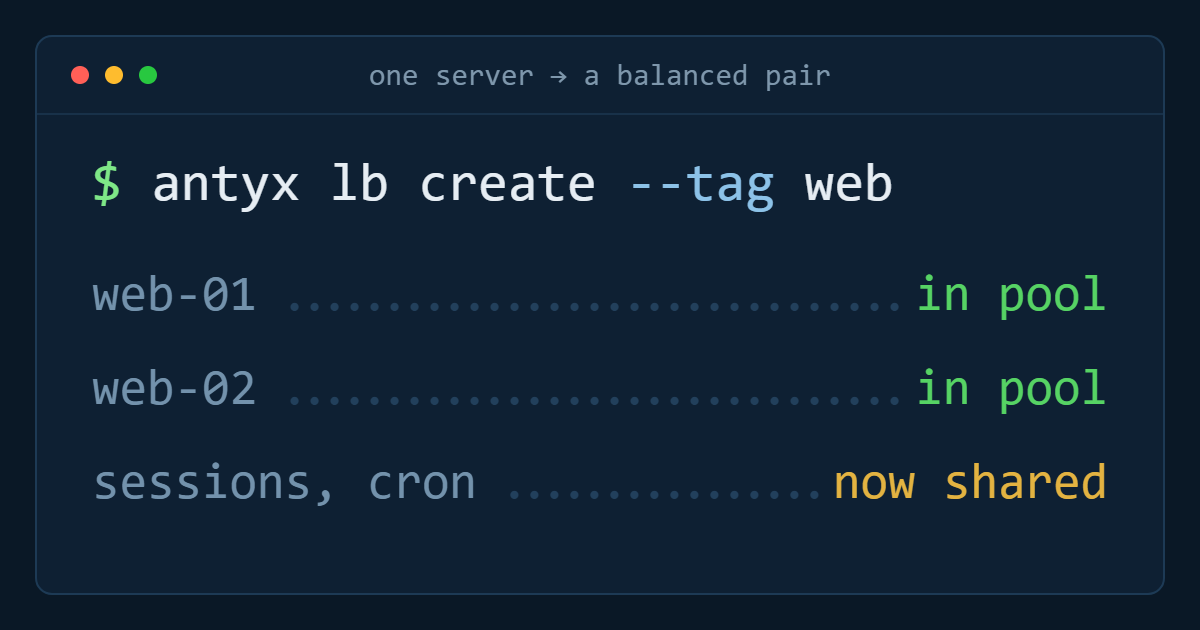
Adding a load balancer takes about four minutes. Adding the second web server behind it is where the work actually is — because a single-server application is allowed to assume things that stop being true the moment requests can land on either machine.
There are three assumptions that break, almost every time, in the same order: sessions, uploaded files, and scheduled jobs. Fix those and the pair behaves like one bigger, more boring server.
Sessions: stop keeping them on disk
The default session store in most frameworks is a file in a local temporary directory. With one server that works. With two, a user logs in on web-01, the next request goes to web-02, and they are logged out — intermittently, which is worse than consistently.
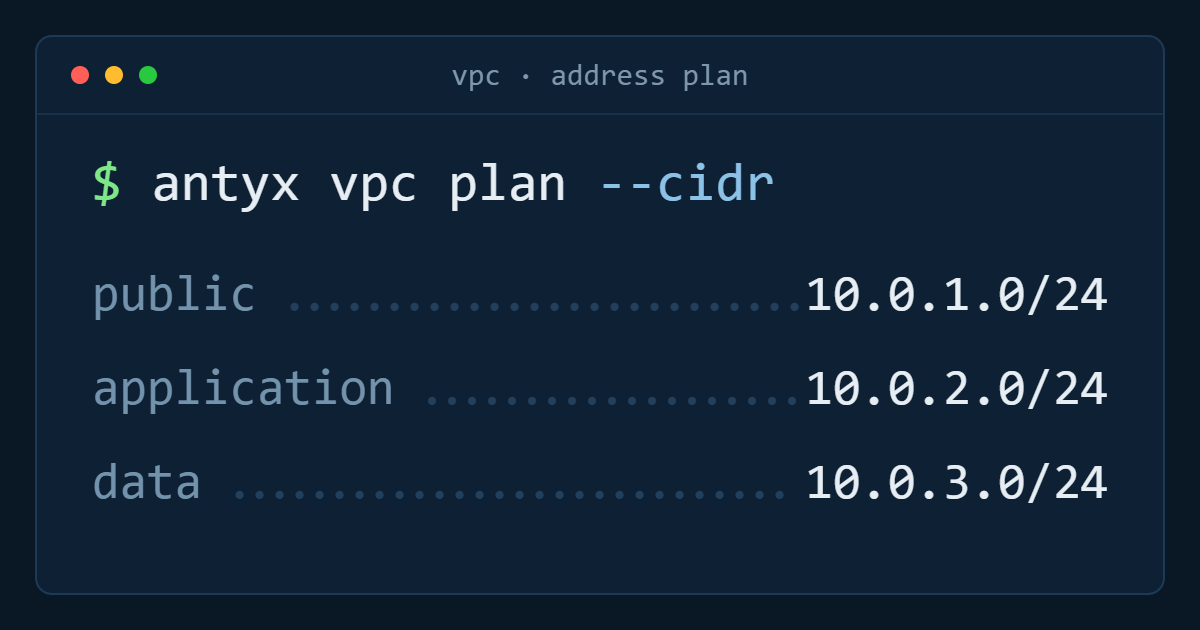
You have two options and only one of them is a real fix. The real one is to move sessions into somewhere both servers can see: Redis, Memcached, or the database. Sessions are small, short-lived and read on every request, so a small in-memory store on a private address inside your VPC is usually the right shape.
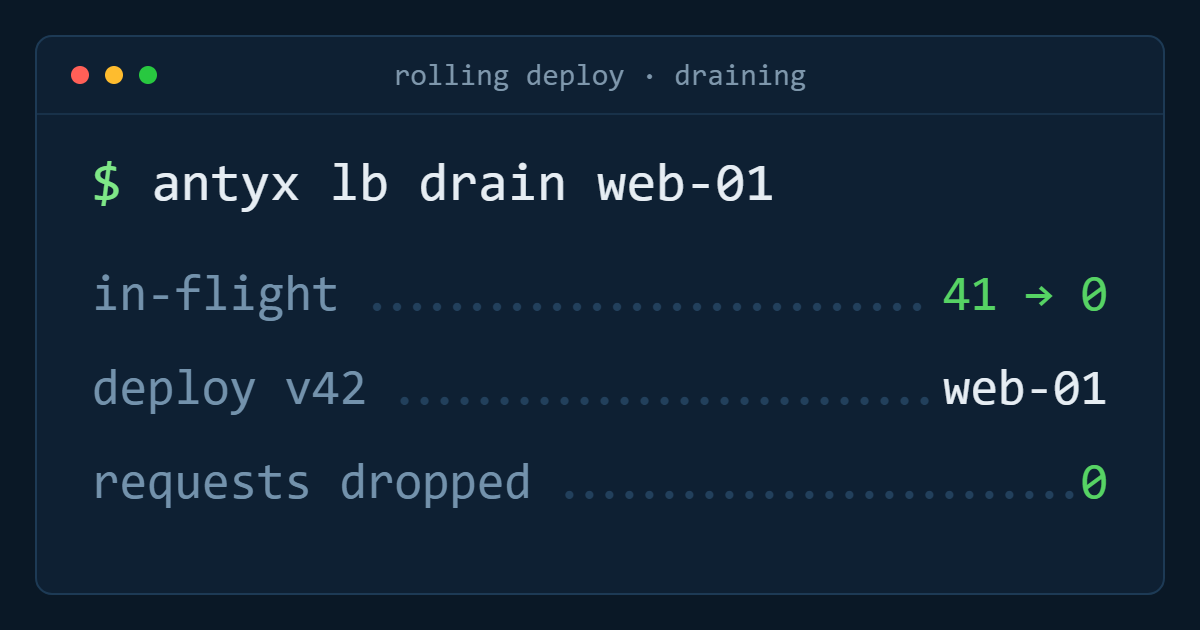
The other option is sticky sessions — the load balancer keeps each client on the machine it first hit. It works, and it is the correct choice for an application you cannot change. But it makes your traffic distribution uneven, it means a host failure logs those users out anyway, and it quietly blocks the rolling deploys you added the second server to get. Treat it as a bridge, not a destination.
Uploads: the local filesystem is now a lie
The second thing to break is user-uploaded content. A profile photo written to /var/www/uploads on web-01 does not exist on web-02, so it appears and disappears depending on which backend serves the page.
Move that content to object storage and serve it from there. This is a bigger change than sessions — it touches your upload path, your URLs and possibly your image processing — but it is the change that makes the machines genuinely interchangeable. Anything you can throw away and rebuild in ten minutes is a machine that no longer needs babysitting.
If you cannot move uploads yet, shared network storage is the interim answer. It is slower and it reintroduces a single point of failure, but it is honest about what it is.
Cron: exactly once, not once per server
Copy the crontab to the second server and every nightly job now runs twice. Sometimes that is harmless. Sometimes it sends every customer two invoices.
Three patterns work, in increasing order of effort:
- Designate one instance as the scheduler and run cron only there. Simple, and fine as long as you remember it exists when that instance is rebuilt.
- Take a lock before the job body runs — a row in the database, a key in Redis with a TTL. Every server has the same crontab, only one wins.
- Move the work onto a queue with a single consumer group, so scheduling and execution are separate concerns.
Whichever you pick, write it down next to the crontab. This is the failure that reappears two years later when someone adds a third server.
Then the load balancer part
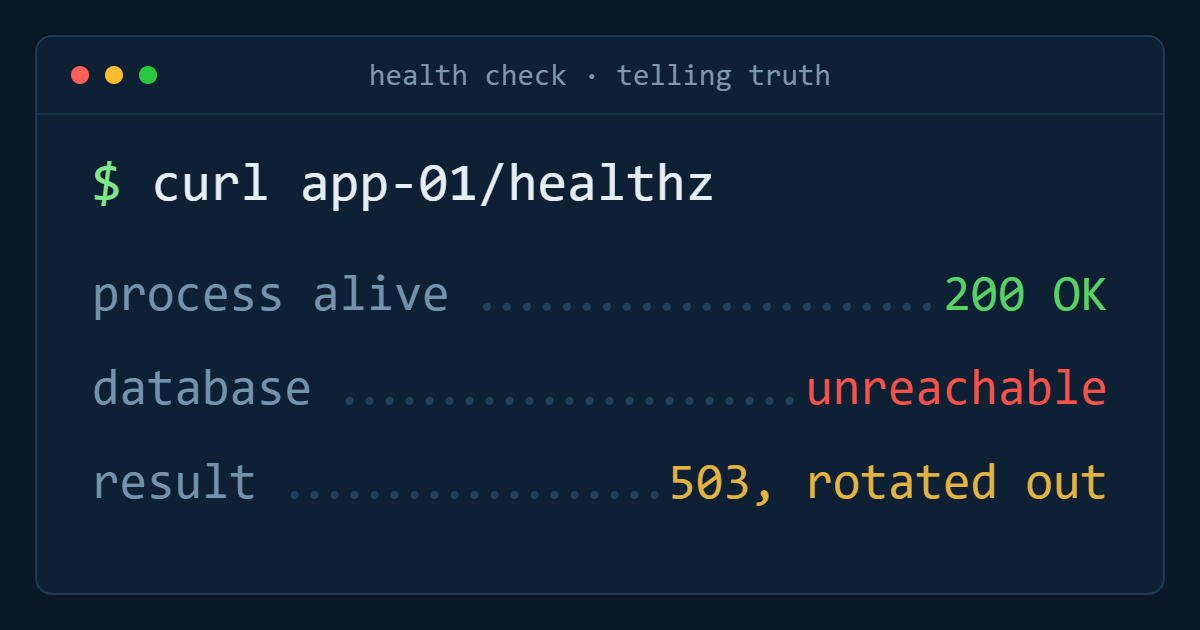
With those three fixed, the actual load balancing is configuration. Create the load balancer, point a forwarding rule at your backend port, target the instances by tag rather than by name so the pool follows your fleet, and give it a health check that verifies more than "the process is running".
Then move DNS to the load balancer's address and let the old server keep serving until the TTL expires. Lower the record's TTL a day before you cut over — it is the cheapest possible insurance.
The checklist
Sessions in a shared store. Uploads in object storage. Cron running exactly once. Health check that touches the database. Backends targeted by tag. Firewall rules so backends accept application traffic only from the load balancer. DNS TTL lowered before the switch.
Antyxsoft Load Balancers distribute HTTP, HTTPS and TCP traffic across your instances with active health checks, SSL termination and tag-based pools, for one flat monthly price — see how Load Balancers work.
Antyxsoft Cloud
Written by the engineers who operate the Antyxsoft platform.