The 30-minute hardening baseline for a public VM
The short list of changes that removes almost all opportunistic attacks against an internet-facing Linux VM, with the commands to apply them.

A fresh VM with a public IP starts receiving SSH login attempts within minutes. Almost all of it is opportunistic: automated sweeps looking for default credentials, exposed services and unpatched software. It is not targeted at you and it does not need to be — the scanners work through the address space and try everything.
This baseline takes about half an hour and removes essentially all of that class of attack. It is not a substitute for a security programme. It is the floor.
1. SSH keys only, no passwords
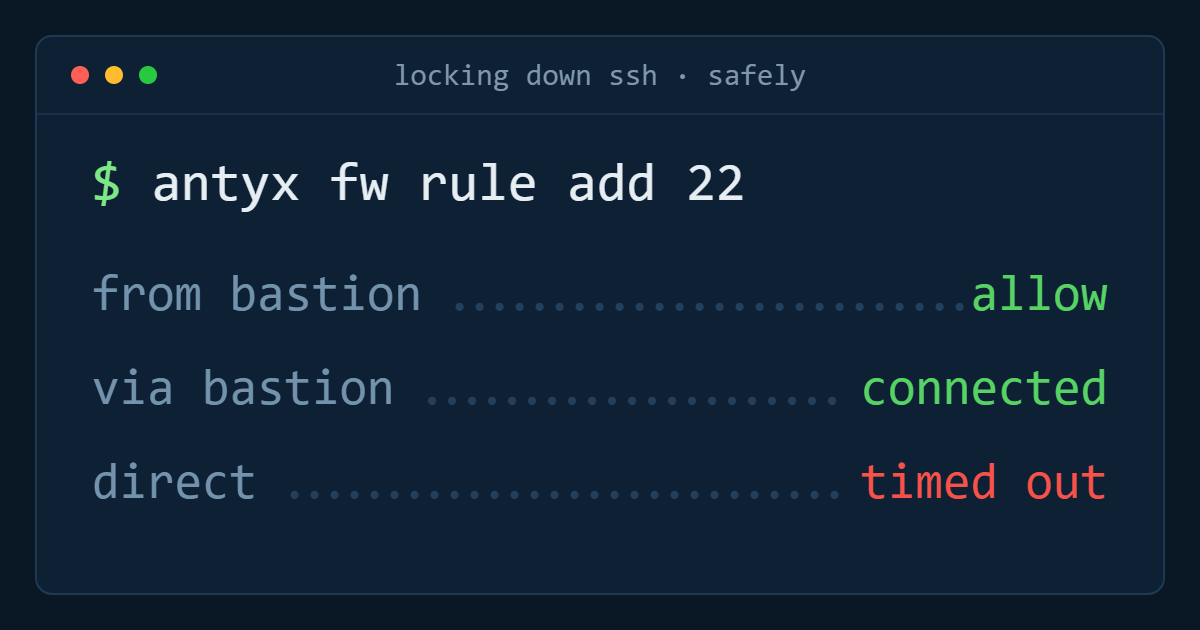
Password authentication on a public SSH port is the single largest exposure on a default install. Copy your key up, verify you can log in with it, then turn passwords off.
ssh-copy-id -i ~/.ssh/id_ed25519.pub deploy@your-server

# verify in a SECOND terminal before continuing
sudo tee /etc/ssh/sshd_config.d/10-hardening.conf <<'EOF'
PasswordAuthentication no
PermitRootLogin no
KbdInteractiveAuthentication no
MaxAuthTries 3
AllowUsers deploy
EOF
sudo sshd -t && sudo systemctl reload ssh
Keep the second terminal open until you have confirmed a fresh login works. Locking yourself out of a cloud VM is recoverable through the console, but it is an unpleasant way to spend an afternoon.
Changing the SSH port is optional and mildly useful — it removes you from the noisiest scans and cleans up your logs. It is not a security control; treat it as noise reduction.
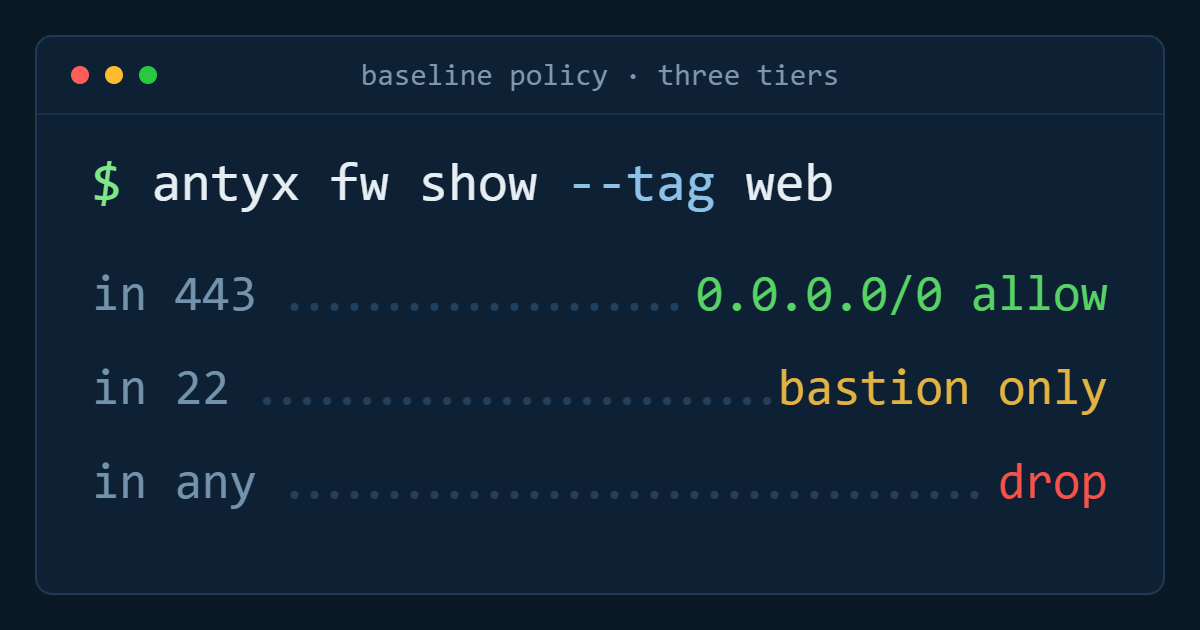
2. Default-deny firewall
Close everything, then open what the machine actually serves. Do this at the provider's network firewall as well as on the host — the host firewall protects against misconfiguration, the network one protects against the host being wrong.
sudo ufw default deny incoming
sudo ufw default allow outgoing
sudo ufw allow 22/tcp
sudo ufw allow 80,443/tcp
sudo ufw enable
sudo ufw status verbose
Then check what is actually listening, because it is rarely only what you expect:
sudo ss -tulpn | grep LISTENDatabases and caches bound to 0.0.0.0 are the classic finding. Bind them to the private interface or to localhost, and do not rely on the firewall alone to save you.
3. Automatic security updates
The vulnerabilities used in opportunistic attacks are almost always old and patched. Unattended upgrades are the highest-value thirty seconds in this list.
sudo apt install -y unattended-upgrades
sudo dpkg-reconfigure -plow unattended-upgrades

# confirm it is actually running
systemctl status unattended-upgrades
cat /var/log/unattended-upgrades/unattended-upgrades.log
Enable automatic reboots for kernel updates on anything where you can tolerate a restart window, and schedule it for a quiet hour. A server that installs kernel patches and never reboots is running the vulnerable kernel with a reassuring log file.
4. Fail2ban for what remains
With keys-only SSH, brute force cannot succeed — but the attempts still consume resources and bury real events in your logs.
sudo apt install -y fail2ban
sudo tee /etc/fail2ban/jail.local <<'EOF'
[DEFAULT]
bantime  = 1h
findtime = 10m
maxretry = 5

[sshd]
enabled = true
EOF
sudo systemctl restart fail2ban
sudo fail2ban-client status sshd
If the machine runs a web application, add a jail for repeated 401s and 404s against it. The same infrastructure that stops SSH scanning stops credential stuffing.
5. A non-root user with deliberate sudo
Applications should not run as root and neither should you. One unprivileged user per human, plus a service account per application, each with only the sudo rights it needs.
sudo adduser --disabled-password --gecos "" deploy
sudo usermod -aG sudo deploy

# service account with no login shell
sudo adduser --system --group --no-create-home --shell /usr/sbin/nologin appsvc
6. Know when something happens
Hardening without monitoring means you find out about the breach from a third party. Minimum viable visibility:
- Ship auth logs somewhere off the box, so an attacker with root cannot erase them.
- Alert on successful SSH logins outside expected hours or from unexpected addresses.
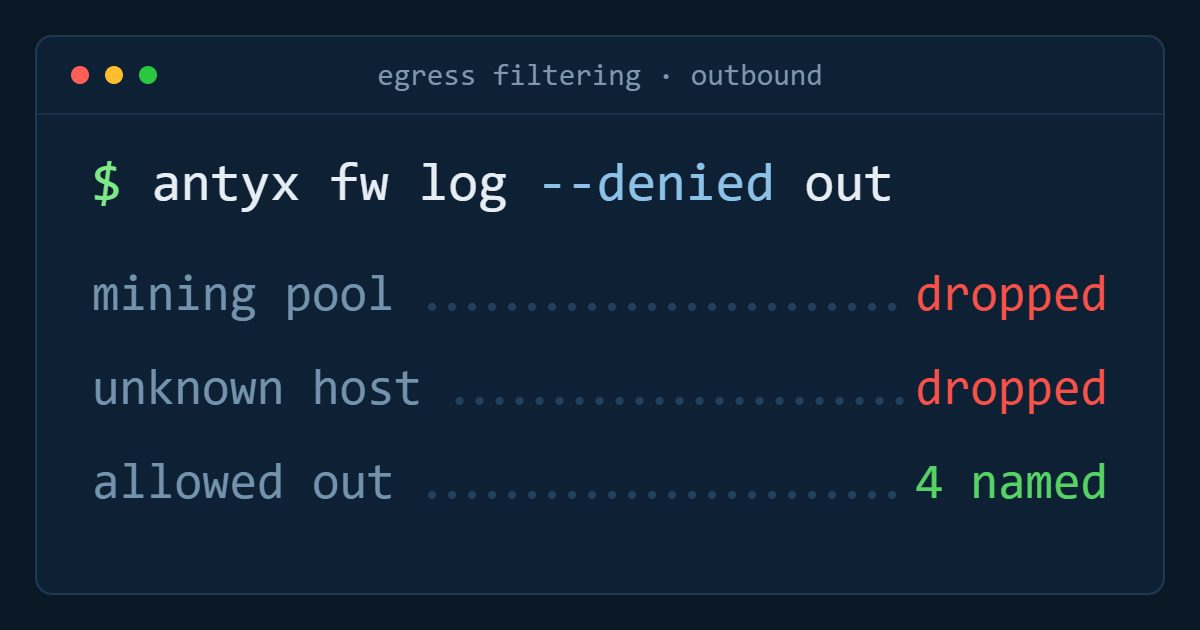
- Alert on sudden outbound traffic volume — the first symptom of both exfiltration and a compromised host joining a botnet.
- File integrity monitoring on the directories that should never change.
The 30-minute checklist
- SSH keys only, root login disabled, verified in a second session
- Default-deny firewall at host and network, listening ports audited
- Unattended security upgrades enabled and confirmed running
- Fail2ban on SSH and the web application
- Non-root users, service accounts with nologin
- Auth logs shipped off-host, alerts on logins and egress volume
None of it is clever, all of it is checkable, and it eliminates the attacks that make up the overwhelming majority of what a public IP receives. Anything beyond this — intrusion detection, mandatory access control, formal hardening benchmarks — is worth doing on machines that warrant it, but not before the six above are done everywhere.
Antyxsoft Cloud
Written by the engineers who operate the Antyxsoft platform.