Leaving AWS: an exit plan for a mid-size workload
A sequenced plan for moving a mid-size production workload off a hyperscaler, with the costs and gotchas that only show up halfway through.
Most exit plans fail in the same place: the team moves the easy things first, discovers three months in that the hard things were load-bearing, and ends up running two clouds indefinitely at combined cost. The sequence matters more than the tooling.
This is the order that works for a mid-size workload — call it 20 to 60 instances, a couple of databases, some object storage and a CDN in front.
Step 1: inventory by dependency, not by service
The console gives you a list of resources. That is not what you need. You need to know what breaks if each resource disappears.
Start from the outside: every DNS record that resolves to something you own, every endpoint a customer or partner calls, every scheduled job. Work inwards from there. The resources that turn out to be attached to nothing are the ones you delete before migrating, and there are always more of them than anyone expects.
aws ec2 describe-instances \
  --query 'Reservations[].Instances[].{id:InstanceId,type:InstanceType,name:Tags[?Key==`Name`]|[0].Value}' \
  --output table
Step 2: price the actual bill, not the sticker
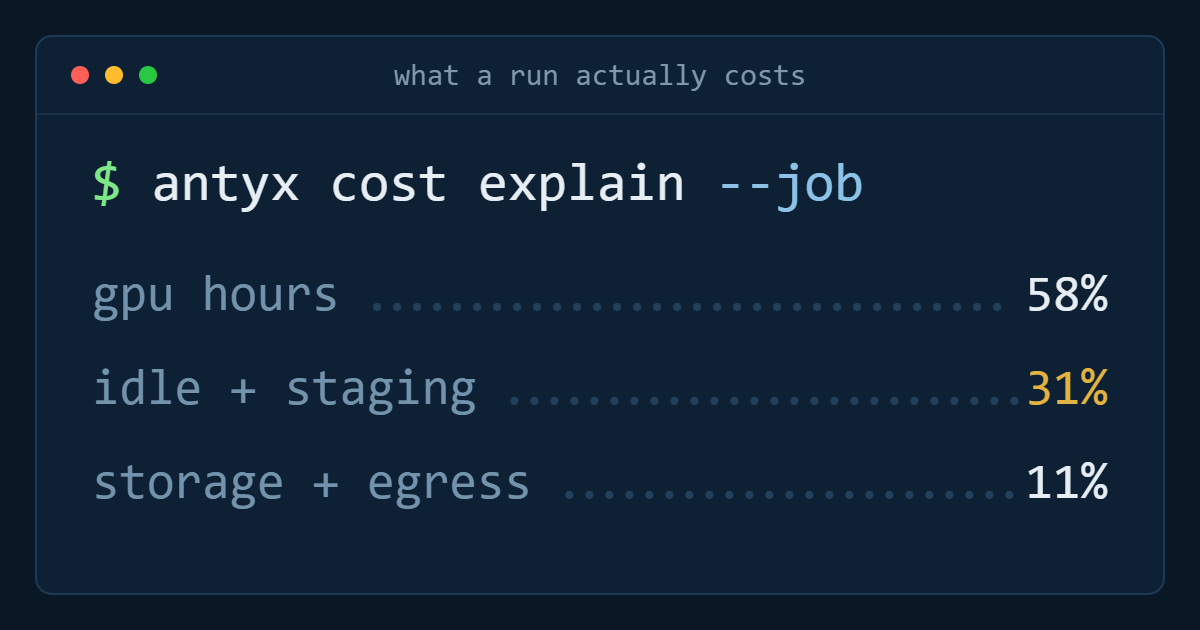
Pull twelve months of cost and usage data and split it three ways: compute, storage, and everything else. "Everything else" is where the surprises live — NAT gateway hours, inter-AZ transfer, load balancer capacity units, API request charges on object storage, log ingestion.
The comparison that matters is not instance price against instance price. It is your total monthly bill against the total on the target, including the transfer you will do and the things you will now run yourself. If the delta is under 20%, the migration is probably not worth the disruption on cost grounds alone. In most cases we see it is considerably more than 20%, and the difference is concentrated in bandwidth and managed-service premiums rather than raw compute.
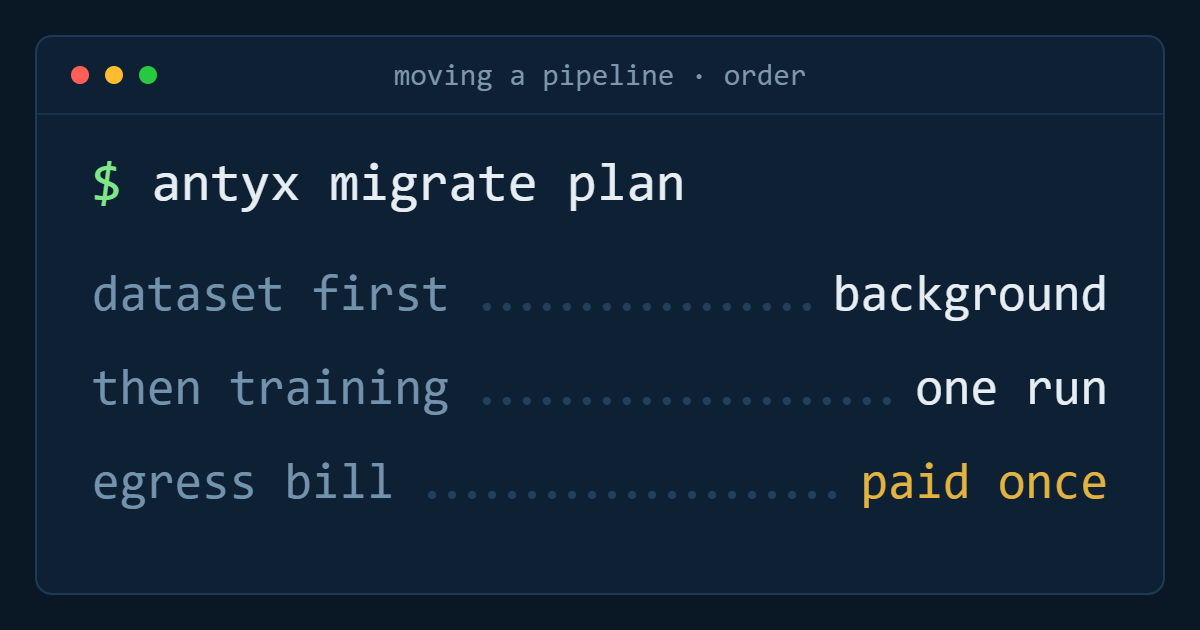
Step 3: move object storage first, in the background
Object storage is the longest pole and the least risky move, which makes it the right thing to start immediately. It is S3-compatible on both ends, so it is a sync job rather than a rewrite.
rclone sync s3-source:my-bucket antyx:my-bucket \
  --transfers 32 --checkers 64 --fast-list --progress

# then run it again, and again, until the delta is minutes
rclone check s3-source:my-bucket antyx:my-bucket --one-way
Run the initial sync, then a delta sync nightly. When you finally cut over, the last sync takes minutes instead of days. Budget for the egress on the first full copy — it is a one-off cost, and it is often the single largest line item of the whole migration.
Step 4: stand up the network before anything runs in it
VPC layout, subnets, firewall rules, VPN or peering back to the old environment. Get this working and tested while nothing depends on it. A migration that pauses to debug routing while a service is half-moved is how weekend maintenance windows become Monday incidents.
You will need connectivity between old and new for the duration — assume months, not days, and treat it as permanent infrastructure rather than a temporary hack.
Step 5: databases, with replication not dumps
The instinct is to dump and restore during a window. For anything above a few tens of gigabytes, set up logical replication instead, let it catch up over days, and cut over with a short read-only window.
-- on the source
CREATE PUBLICATION migration FOR ALL TABLES;

-- on the target
CREATE SUBSCRIPTION migration
  CONNECTION 'host=old-db.internal dbname=app user=repl'
  PUBLICATION migration;

-- watch the lag
SELECT slot_name, pg_size_pretty(
  pg_wal_lsn_diff(pg_current_wal_lsn(), confirmed_flush_lsn)
) AS lag FROM pg_replication_slots;
Two things bite here. Logical replication does not carry sequences — you must bump them manually on cutover or your first insert collides. And it does not carry schema changes, so freeze migrations for the duration.
Step 6: stateless compute, one service at a time
By this point the data is already there, so moving compute is genuinely the easy part. Run each service in both places, shift traffic with weighted DNS, watch error rates for a few days, then remove the old one.
Keep the old environment running longer than feels necessary. The cost of two weeks of overlap is trivial next to the cost of discovering an undocumented dependency with no way back.
What actually goes wrong
IAM roles used as glue. Application code that assumes an instance profile grants it access to a bucket has no credentials to port — you have to introduce real ones. Find these before you move, not during.
Managed services with no equivalent. Every workload has one or two: a queue with exactly-once semantics, a proprietary auth service, a niche analytics product. Decide early whether you replace it, self-host it, or keep paying for that one thing across the wire.
Hard-coded region endpoints. They are in application config, in Terraform, in CI pipelines and in a Lambda somebody wrote in 2021. Grep for the region string across every repository you own; the results are always educational.
The realistic timeline
For the size of workload described here: two weeks of inventory and pricing, two to four weeks of object storage sync running in the background, one week of network build, two weeks of database replication and cutover, then two to six weeks of moving services one at a time. Call it three months at a sustainable pace, with the old environment fully off by month four.
Anyone promising three weeks has not looked at your IAM policies yet.
Antyxsoft Cloud
Written by the engineers who operate the Antyxsoft platform.