A snapshot strategy that survives a real incident
How often to snapshot, how long to keep them, what snapshots do not protect you from, and when to reach for Veeam instead.
Most snapshot strategies are written the week after an incident and abandoned within a quarter. The pattern is familiar: nightly snapshots on everything, no retention plan, no restore test, and a quiet assumption that this counts as backup. It does not, and the difference only becomes visible on the worst day.
What a snapshot is good at
A snapshot is a point-in-time copy of a volume, created on demand and restorable to a new volume. It is fast to take, cheap to keep for short periods, and unbeatable for the failures that happen every week rather than every decade: a migration that went wrong, a schema change that needs undoing, a config rollout that corrupted state, an engineer who deleted the wrong rows.
For those cases the snapshot is the right tool because the recovery is minutes and the decision is reversible. Restore to a new volume, attach it alongside the original, inspect, then swap. Nothing about the running instance has to be touched while you decide.
What a snapshot is not
A snapshot is not a backup, for one structural reason: it lives in the same account, and typically the same region, as the data it protects. Anything that takes out the account or the region takes both. Ransomware that reaches your control plane credentials reaches your snapshots. A deletion that is not noticed for six weeks outlives a fourteen-day retention window.
Snapshots are also not application-consistent by default. A snapshot of a running database volume captures the disk as it was mid-transaction — usually recoverable, because the engine will replay its log on start, but not guaranteed clean. For anything transactional, either quiesce the application briefly, or snapshot after a checkpoint, or take the backup through a tool that understands the database.
A policy that holds up
Four rules, and the reasoning for each.
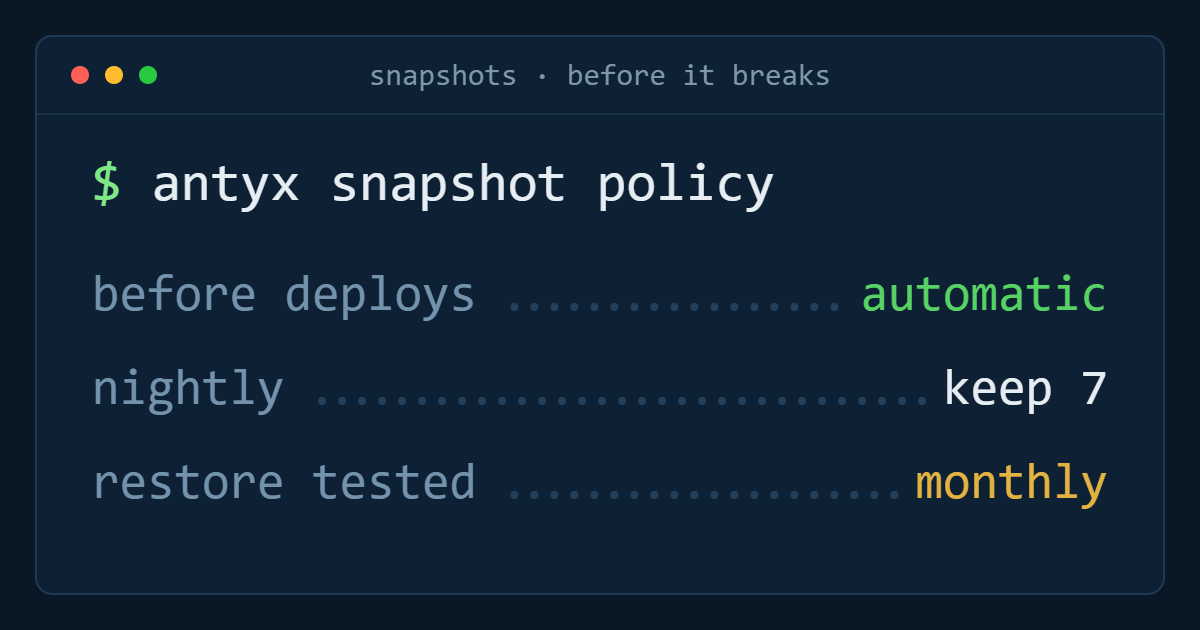
Snapshot before every change, automatically. The highest-value snapshot is the one taken two minutes before a deployment or a migration. Make it part of the pipeline rather than a step in a runbook, because the runbook is what gets skipped under pressure. Keep two.
Nightly for state, keep seven. Volumes holding data that changes daily get a nightly snapshot with a week of retention. Seven days is enough to cover a problem noticed on Monday that started on Friday, and short enough that the cost stays predictable.
Weekly for slower data, keep four. Volumes that change slowly — an asset library, a log archive, an application volume — do not need nightly copies. A month of weekly points covers the realistic detection window without paying for daily copies of unchanged data.
Nothing for reproducible volumes. A scratch volume, a build cache, a rebuilt-from-image application disk: snapshotting these costs money to protect data you can regenerate. Being explicit about what you do not protect is what keeps the policy affordable.
The step nobody does
Restore one snapshot per month and record the date. Not a test of whether the snapshot exists — a real restore to a new volume, attached, mounted, and checked by whoever owns the application.
This is the only way to discover the things that make a restore useless in practice: the snapshot was of the wrong volume; the filesystem was fine but the database needed a config file that lived somewhere else entirely; the volume restored in a region where the instance cannot reach it; the person who knows the procedure left in March. Thirty minutes a month, and the incident stops being a research project.
Where snapshots stop and backup starts
Snapshots cover recent, operational mistakes. Backup covers everything else, and the boundary is defined by three questions.
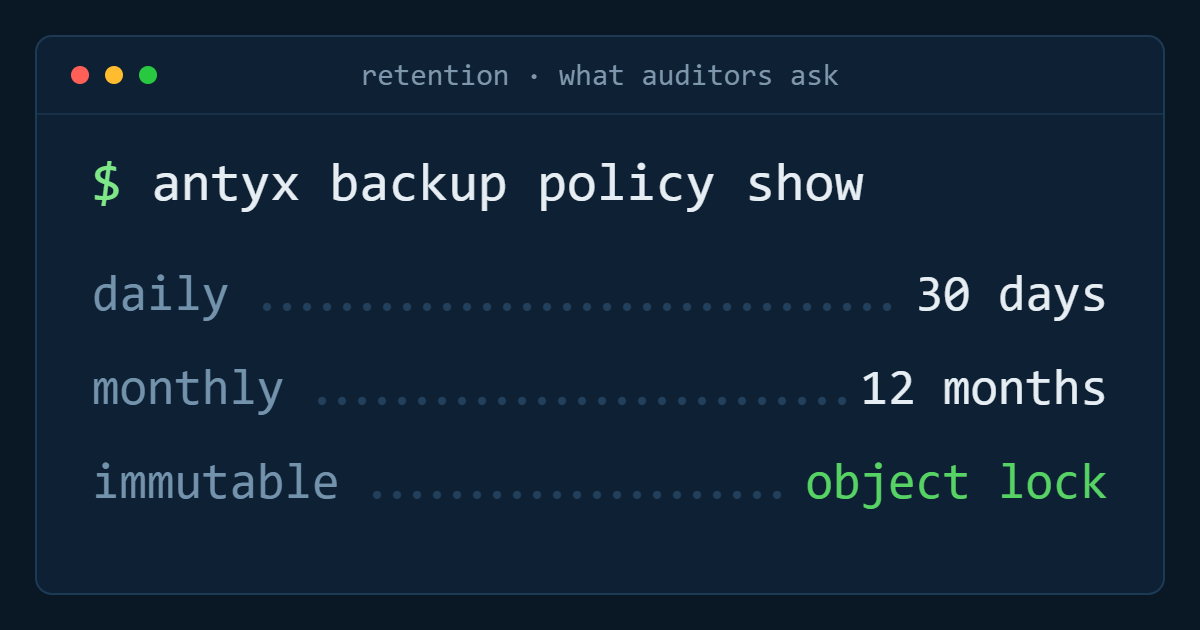
How far back do you need to go? If the answer is longer than a few weeks — regulatory retention, audit obligations, monthly points held for a year — that is backup, not snapshots.
Does the copy need to survive the loss of the account or the region? Then it needs to live somewhere with separate credentials and a separate failure domain. Cross-region replication of a volume improves resilience against a regional outage, but a replica is not a point in time; it faithfully reproduces the deletion too. Replication and snapshots solve different problems and you generally want both.
Does recovery need to be application-aware, granular, or verified? Restoring a whole volume is the right unit for a corrupted disk and the wrong unit for one mailbox, one table, or one virtual machine out of forty. That is where a managed service with application-aware jobs, immutable copies and tested restores earns its cost.
The short version
Use snapshots as the undo button: automatic before changes, nightly for live data, weekly for slow data, nothing for what you can rebuild, and one restore test a month. Use backup and replication for the disasters that outlive the retention window. The teams that recover quickly are not the ones with the most snapshots — they are the ones who know, before the incident, exactly which copy they will restore from.
Antyxsoft volumes include on-demand snapshots and cross-region replication, with Veeam Backup and DRaaS for longer retention — see how block storage works.
Antyxsoft Cloud
Written by the engineers who operate the Antyxsoft platform.