RPO and RTO in plain numbers
How to turn two abstract acronyms into a backup plan you can defend in a post-incident review, with the arithmetic that decides your architecture.
Every backup conversation eventually produces the same two acronyms, and in most companies neither has a number attached. That is the actual problem. RPO and RTO are not concepts to agree with — they are figures you commit to, and the figures decide what you build and what you spend.
The two questions, in plain language
RPO — recovery point objective is how much work you are willing to lose. If you back up nightly at 02:00 and the array fails at 17:00, you have lost fifteen hours of work. Your RPO is 24 hours whether you intended that or not.
RTO — recovery time objective is how long you are willing to be down. Not how long the restore takes: how long from the incident starting to the business functioning again. That includes the twenty minutes before anyone notices, the half hour deciding whether to fail over, and the hour afterwards verifying data before you let customers back in.
Two different failures, two different costs, two different solutions. Conflating them is why so many organisations own an expensive replication setup and still lose a day of orders.
Deriving the numbers instead of guessing them
Ask the business one question per system: what does an hour of this being unavailable cost, and what does losing an hour of its data cost? You will get imprecise answers. Imprecise is fine — the goal is to separate the four-figure systems from the six-figure ones.
A worked example. An e-commerce platform turning over €2M a year does roughly €5,500 a day, call it €700 an hour in trading hours. A four-hour outage is €2,800 of direct revenue plus support load and some churn. Losing a day of order data is far worse than €5,500, because the orders were paid for and now cannot be fulfilled — reputational cost dwarfs the transaction value.
That asymmetry tells you where the money goes: tight RPO on the order database, relaxed RTO on the storefront. Continuous replication for the data, a documented rebuild for the front end. Most teams instinctively do the reverse, because uptime is visible and data loss is not — until it is.
What each number costs to buy
RPO, roughly:
- 24 hours — nightly snapshot. Nearly free, already running.
- 1 hour — hourly incrementals or log shipping. Modest storage and IO cost.
- 5 minutes — continuous log streaming to a second site. Meaningful complexity, real bandwidth.
- Zero — synchronous replication. Doubles your write latency and your infrastructure, and couples the two sites' failure modes.
RTO, roughly:
- Days — restore from offsite backup onto hardware you procure after the incident.
- Hours — restore onto capacity you can provision on demand. The usual, sensible answer.
- Minutes — warm standby, already running, data already there.
- Seconds — active-active. A different architecture, not a different backup product.
Each step down is roughly an order of magnitude more expensive than the last. Which is why the number has to come from the business, not from the infrastructure team's sense of professional pride.
The restore-time arithmetic nobody does
Here is the calculation that invalidates most DR plans. Take your largest database, its size on disk, and the throughput of the path you would restore it over.
2 TB database
÷ 200 MB/s effective restore throughput
= ~2.9 hours of pure data transfer
Then add: locating and mounting the backup, decompressing, replaying logs to the target point, rebuilding indexes, application startup, smoke tests, DNS propagation. Realistically double the transfer figure. A 2 TB database is a six-hour RTO on a good day, and that assumes everything works first time and the right person is awake.
If you have promised four hours, you have promised something your infrastructure cannot deliver. Either buy a warm standby or change the promise — but stop writing the four in the policy document.
3-2-1, and why the 1 keeps failing
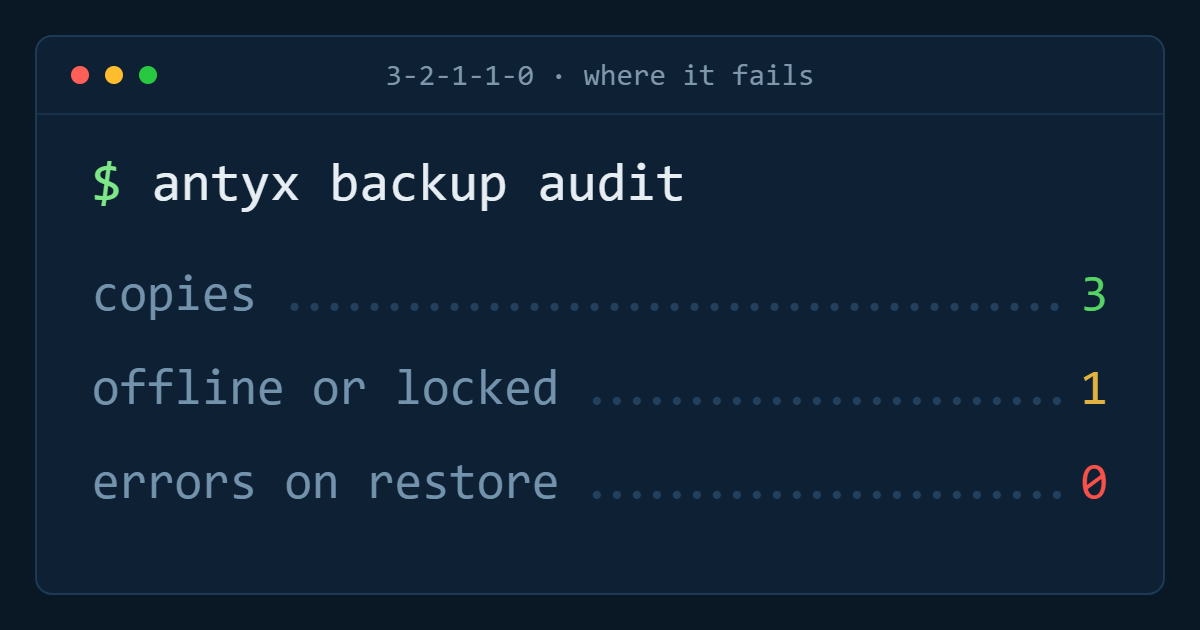
Three copies, two media types, one offsite. It has survived because it is right. The part that fails in practice is the offsite copy, in a specific way: it is offsite but not offline, and it is reachable with the same credentials as everything else.
Ransomware operators know this. They spend days inside the environment specifically looking for the backup system, and encrypted backups are the difference between an incident and an extinction event. The offsite copy needs to be immutable for its retention period — object lock, write-once — and its credentials must not exist anywhere in the production environment.
An untested backup is not a backup
The uncomfortable industry statistic is that a large minority of restores fail on first attempt. Not because the backup software is bad, but because something changed and nobody noticed: a new volume that was never added to the job, an encryption key rotated out, a database that has grown past the window.
Test quarterly, and test the whole path. Restoring a file proves the storage works. Restoring the full database to a scratch environment, pointing a copy of the application at it, and having someone log in and complete a real transaction proves the plan works. Time it, write down the number, and compare it to the RTO you published.
Put it in one table
The deliverable is a single table: system, RPO target, RTO target, mechanism that delivers it, date last tested, actual measured restore time. One page. When the incident happens nobody reads the fifty-page DR binder, but they will read the table.
And when the measured column disagrees with the target column, you have found the work — before an outage finds it for you.
Antyxsoft Cloud
Written by the engineers who operate the Antyxsoft platform.